ނޯޓިސް ބޯޑާއި މުނާސަބަތުތައް
ކުންފުނިން އެންމެންނާ ވާހަކަދައްކާ އެއްތަން — އަދި ހެއްކެއް ކަމަށް ދަޢުވާއެއް ނުކުރެއެވެ
The board is how the company says something to all of it: a notice, a welcome for a new starter, an event, a reminder that Thursday is a holiday. It is the engagement side of HumanR rather than the compliance side — nothing on it is signed for, and it says so. Anything that has to be provably read stays a company document, with the board pointing at it.
See it live — demo in minutes →Sound familiar?
Announcements go out on WhatsApp, so anyone without the group never hears them
A new starter's third week and half the property still does not know who they are
Birthdays and work anniversaries are remembered by one person, and missed the week they are on leave
A notice for the kitchen reaches all 400 staff, so people stop reading notices
There is a screen in the staff corridor showing a slide deck somebody made in 2023
Capabilities
What you get
8 capabilities
A notice, and who it is for
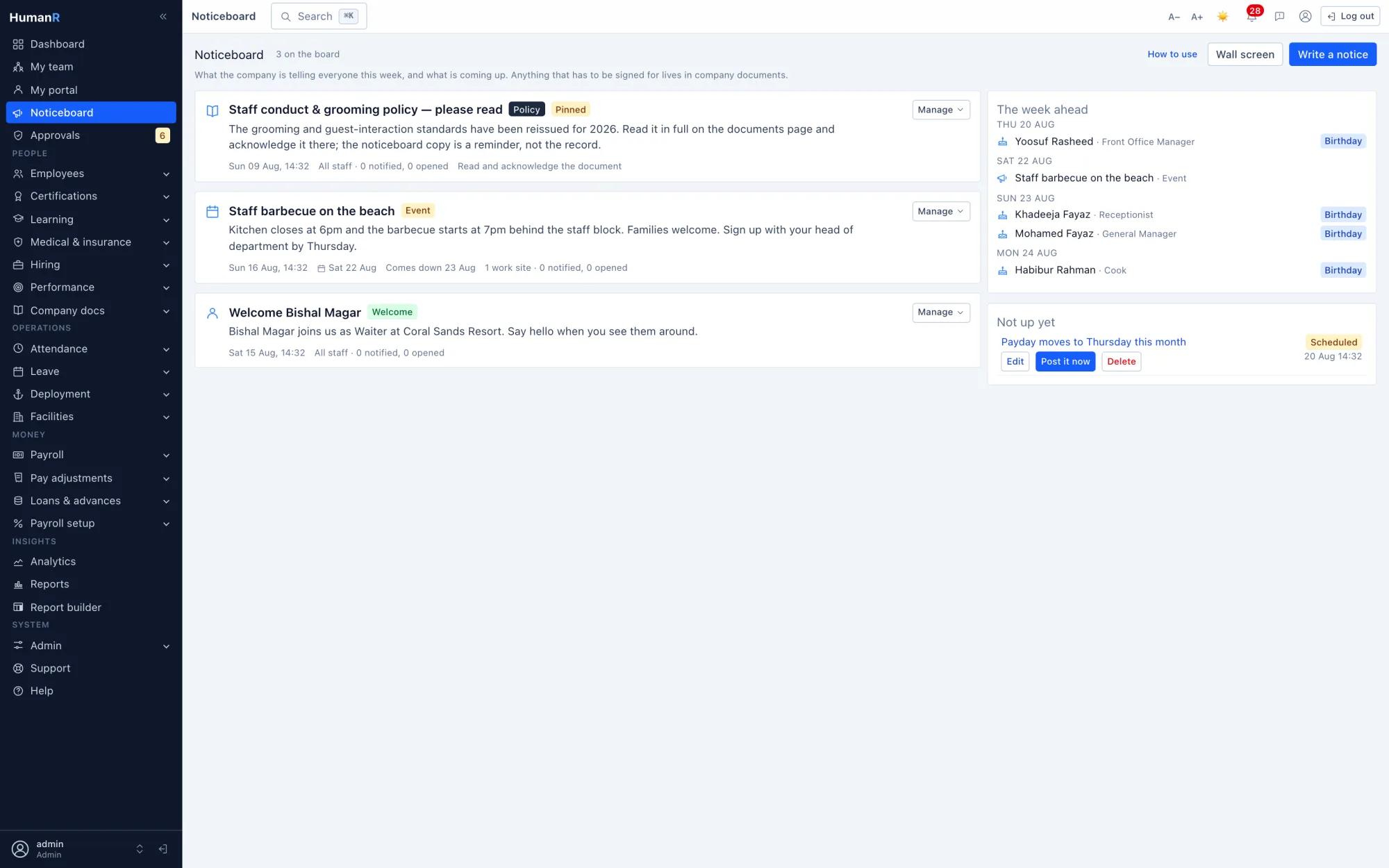
A title, a body in plain text, a category, and an audience. 'Everyone' is the default and the common case; otherwise pick any mix of departments, work sites and designations and the notice reaches anyone matching any one of them — a union, not a narrowing. Ticking Housekeeping and Site B reaches all of Housekeeping and everyone at Site B, which is the reading people expect and rarely get.
An audience resolved against today's roster
Never a saved list of names. Someone who joins the department tomorrow sees the notice tomorrow; someone who leaves drops out of it. Nobody is ever notified twice about the same notice, and there is no distribution list to maintain or to go stale.
Four states, all of them derived
Draft, scheduled, live, expired — worked out from the notice's own dates rather than stored and flipped by a job. A scheduled notice appears on the board by itself at its time, whether or not anything is running. Pin holds one at the top, and the form pushes back past three, because a board where everything is pinned has nothing pinned.
Announce a joiner without writing it from scratch
From a new starter's record, one button drafts a welcome with the name, role and start date already in it. It stays a draft on purpose — the sentence about the person should be written by a person, and the fields that can be filled in for you are exactly the ones nobody enjoys typing.
The week ahead, read from records you already keep
Birthdays, work anniversaries with years of service, new joiners, public holidays from the leave calendar, and anything with an event date. None of it is entered anywhere, so it is right the moment the staff records are. First and every fifth anniversary are flagged as milestones, giving a manager a few days' warning rather than a same-day scramble.
A celebration digest that goes to the right small group
HR and line managers get the week's birthdays and milestones — not the whole company, because the point is to prompt the handful of people who should act. It never prints an age or a year of birth, only the day, and every employee can switch their own birthday off from the staff portal without changing anything else about their record.
A wall screen for the staff corridor
A stripped-down full-page view that refreshes itself and can be left alone on a monitor. It carries all-staff notices only, deliberately: a screen in a corridor has no idea who is standing in front of it, so a notice aimed at one department never reaches it. It is still a signed-in page — there is no public link, and there should not be one.
Reached and opened, described honestly
A published notice shows how many people were notified and how many of those notifications were opened, both counted from the notification rows themselves. Opened is a floor and never a measurement — somebody who reads the board on the way past is never counted. When you need to prove a person read something, the answer is a company document, every time.
Straight from the product
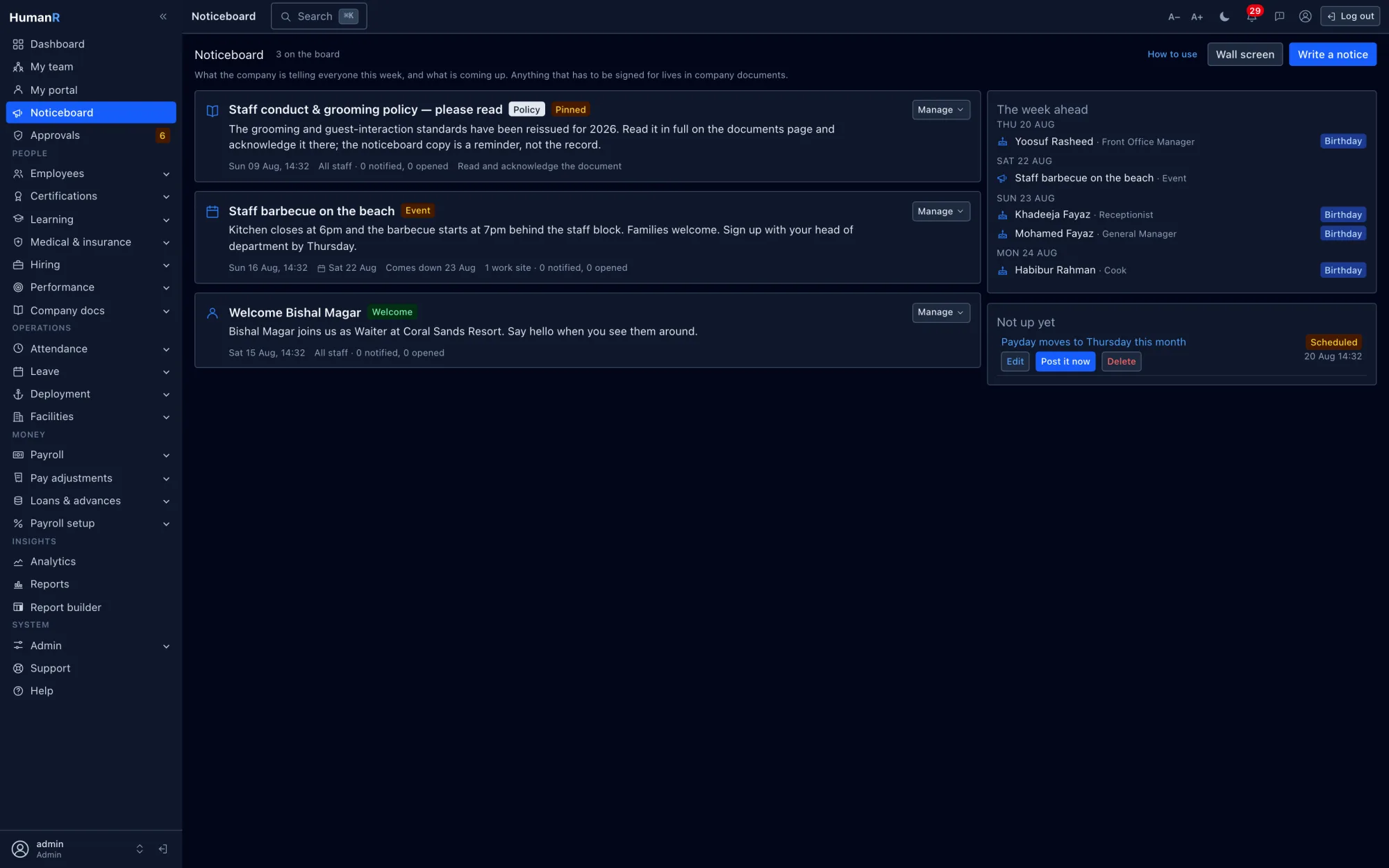
Real screens from the demo company — the same system your login opens.
Questions
Does a notice get emailed?
No, and that is a design decision rather than a missing feature. Notices are in-app: everyone in the audience with a login gets one notification. A company that emails every notice trains its people to filter notices, and then the one that mattered goes with them. Where something genuinely must land in an inbox, it is almost always a document to be acknowledged rather than a notice.
How is this different from company documents?
The board draws attention; the document holds the proof. There is no signature, no acknowledgement and no evidence trail on a notice, deliberately. When a policy, an SOP or a change to terms must be shown to have been read, you publish it in company documents where the acknowledgement is captured and kept — and then announce it on the board with the document linked. Both jobs get done properly instead of one badly.
Do staff need a permission to read the board?
No. Every signed-in person sees it, and the audience rules on each notice are the only scope there is. Writing, scheduling, pinning and taking notices down is a separate permission, and only holders of it see drafts and the reach counts. The wall screen needs a login and nothing else, because it shows strictly less than the board does.
What happens when we take a notice down?
It leaves the board and returns to a draft, and it stays in the register. Notifications already sent stay in people's bells — they are a record of what was said, not a copy of the board. Taking something down does not un-say it, and a system that pretended otherwise would be lying about its own history.
ތިޔަބޭފުޅުންގެ ޑޭޓާއާ އެއްގޮތް ޑޭޓާއަކުން އަމިއްލައަށް ބައްލަވާ
ޑެމޯއަކަށް އެދިވަޑައިގަތުމުން، ފުރިހަމައަށް ޑޭޓާ އަޅާފައިވާ ޑެމޯ ކުންފުންޏަކަށް ވަދެވޭ އަމިއްލަ ލޮގިން އީމެއިލުން ފޮނުވައިދޭނަމެވެ — މިނެޓްކޮޅެއްގެ ތެރޭގައި ޙަޤީޤީ ސްކްރީންތައް، ޙަޤީޤަތާ އެއްގޮތް ޑޭޓާއާއެކު ބައްލަވާލެވޭނެއެވެ.
ކްރެޑިޓް ކާޑެއް ބޭނުމެއް ނުވޭ. ސޭލްސް ކޯލެއް ވެސް ނުޖެހޭ. ޙަޤީޤީ ލޮގިންއެއް، އީމެއިލުން ފޮނުވައިދެނީ.