ސިޓީއާއި އިލެކްޓްރޯނިކް ސޮއި
ތިޔަ ބޭފުޅުންގެ ލެޓަރހެޑްގައި ނެރެ، ބަދަލުނުކުރެވޭ ގޮތަށް ފައިލްކޮށް، ދެން ސޮއިކުރުވާށެވެ
The letters your office issues on its own paper — contracts, offers, warnings, certificates of employment — written once as a template, generated with a person's real values, filed on their record where nobody can quietly edit them afterwards. And where it matters, signed: by staff in their portal, by someone standing at your desk, or by a person outside the company through a private one-time link.
See it live — demo in minutes →Sound familiar?
Four versions of the same employment contract live in one folder and nobody knows which is current
A letter is generated in Word, printed, signed, scanned crooked and filed under the wrong name
The signed copy of somebody's contract cannot be found the week an employment claim arrives
A director who has no login has to sign, so the whole thing goes back to printing and couriers
Nothing proves the PDF on file is the one the person actually signed
Capabilities
What you get
8 capabilities
Templates in plain text, with tokens that bind to real values
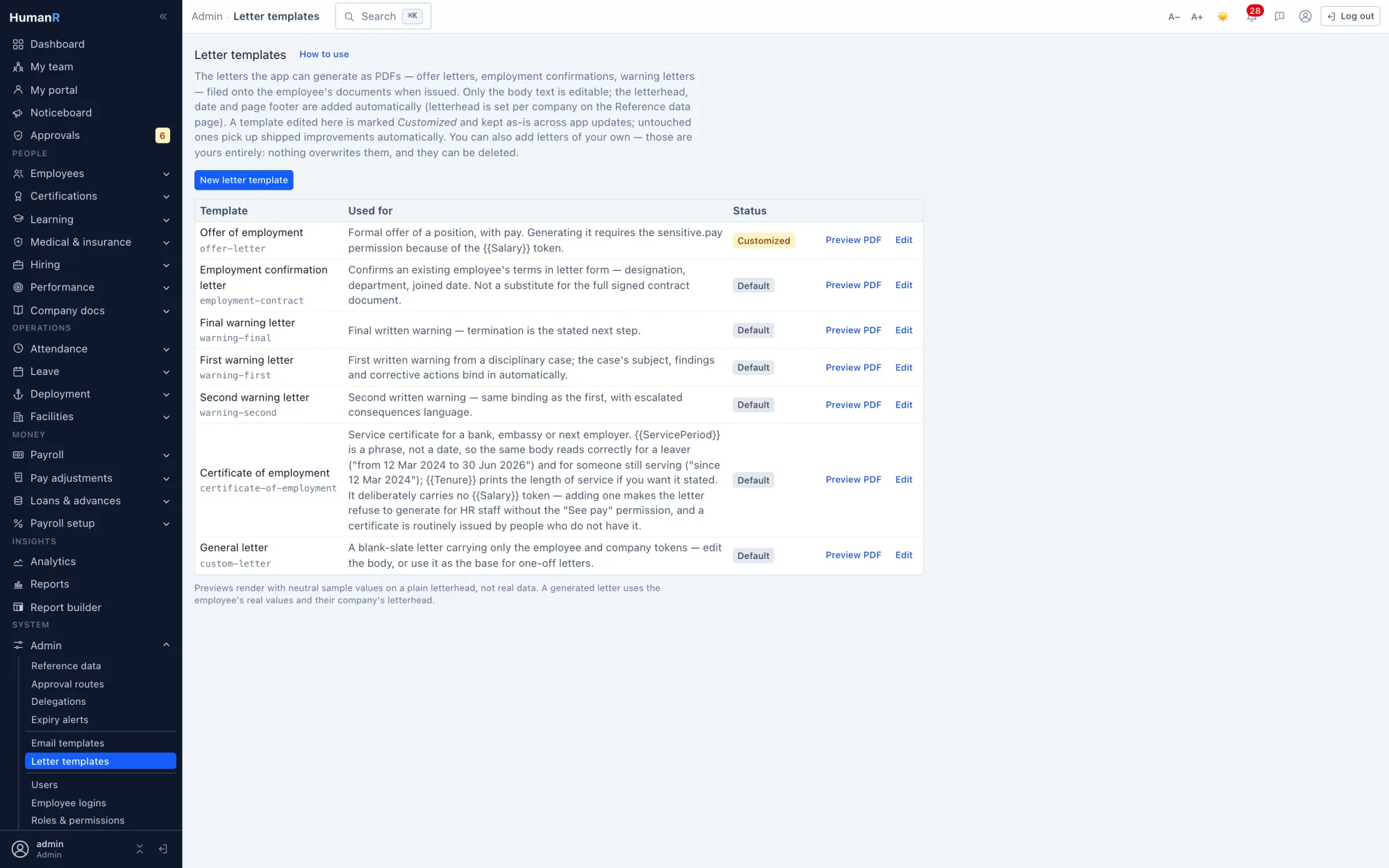
Seven ship with the app — offer of employment, employment confirmation, three warning letters, a certificate of employment and a blank one — and you add your own. Placeholders are replaced at generation with the person's name, staff number, designation, department, joining date, service period and the rest; a token the app does not know renders as nothing rather than printing braces on a legal document. Preview renders the finished page against sample values before anybody receives it.
Your wording, protected from our updates
Shipped templates are kept up to date on every start until the first time you edit one. That edit freezes it and marks it customized, which is what stops a release overwriting legal wording somebody's lawyer approved. Reset restores the original and hands maintenance back. Templates you added are never touched.
Letterhead per company, not per letter
A group running several entities issues letters under each one's own identity, so the logo, registered name, address block and footer belong to the company record. It has its own preview — a sample letter on the real letterhead — so whoever sets it up sees the printed result without generating anything, and setting one up offers to apply the same block to the others.
A filed letter is immutable, and carries its own provenance
Generating stores the exact bytes issued, on the employee's record, with a reference number printed on the page and the fingerprint of the template body at that moment recorded alongside it. There is no edit: a letter that was wrong is superseded by a new one and both stay on the record. That is what makes it evidence years later rather than a file somebody could have changed.
The pay permission reaches into the letter
A letter whose body prints a salary can only be generated by someone cleared to see pay, and the app says so plainly instead of printing a blank where the figure belongs. It is also why the certificate of employment carries no salary token at all — it is routinely issued by people who do not hold that clearance, and it should stay that way.
Multi-party signing, in the order you set
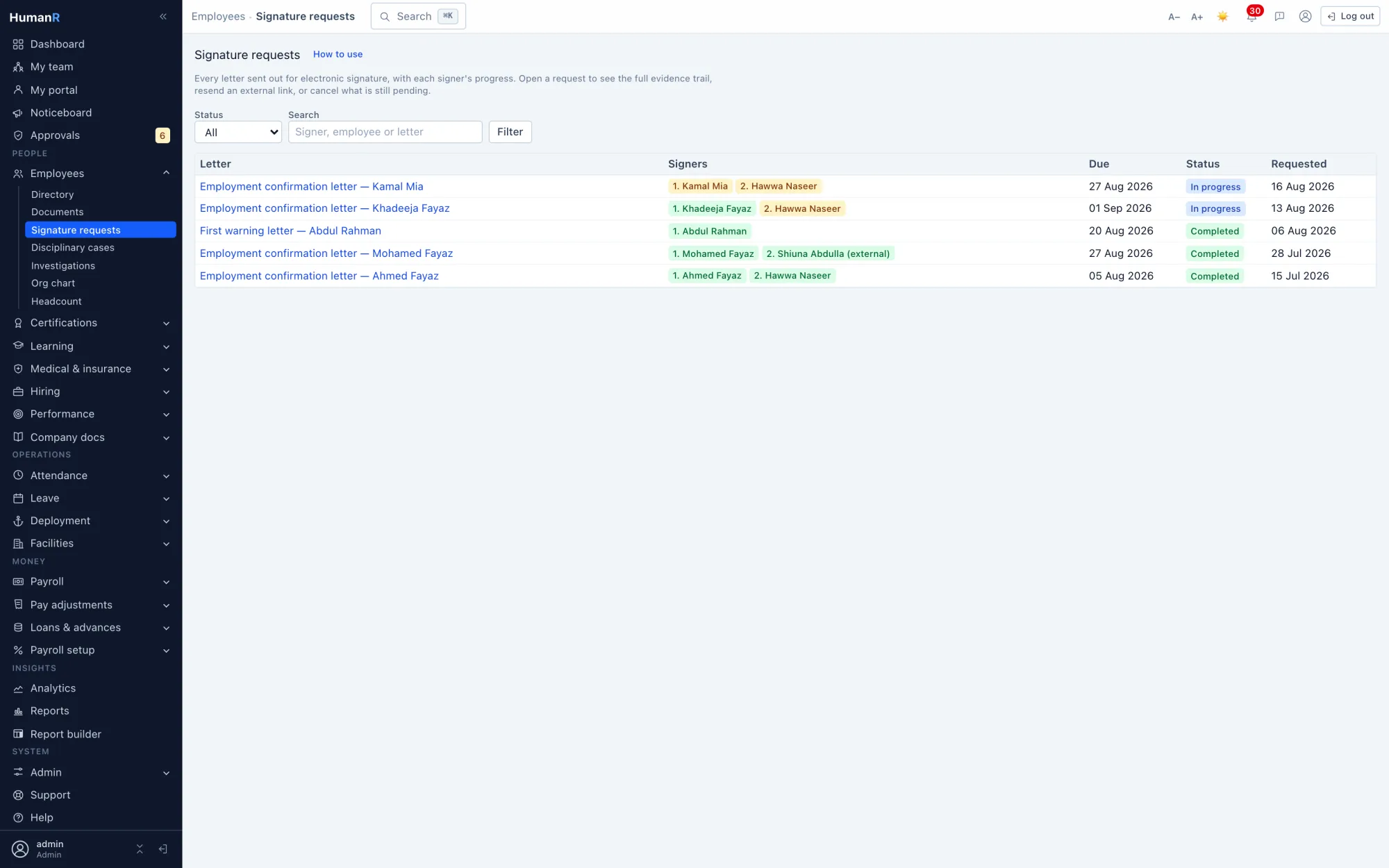
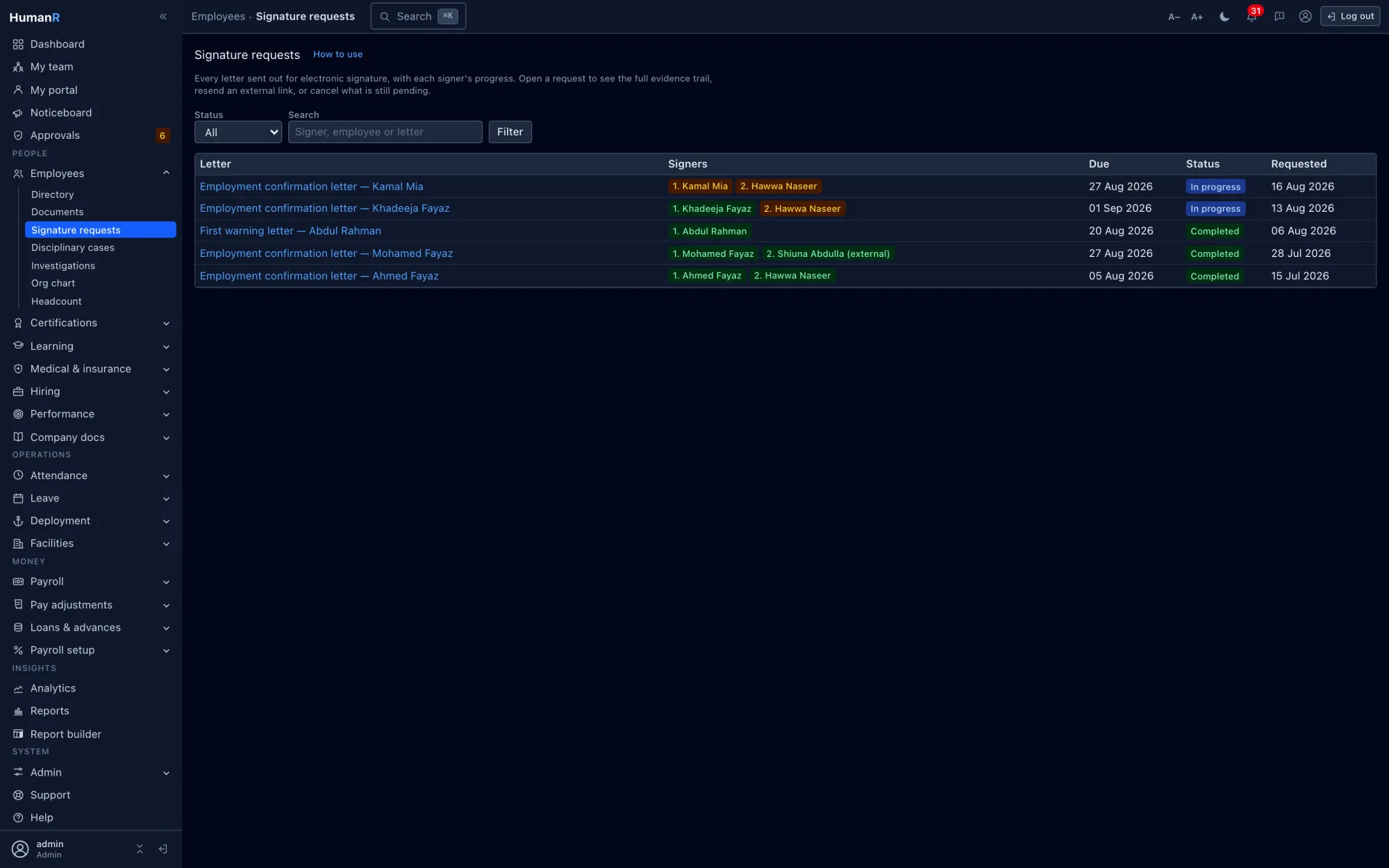
The markers in the template body decide how many parties a letter needs and where each one's ink lands; you say who fills each slot. Party two is not asked until party one has signed, so an employment confirmation goes to the employee and then to the manager without anybody chasing the handover. The status of the whole request is derived from its parties rather than stored, so it cannot drift out of step with them.
Three ways to sign, including for people with no login
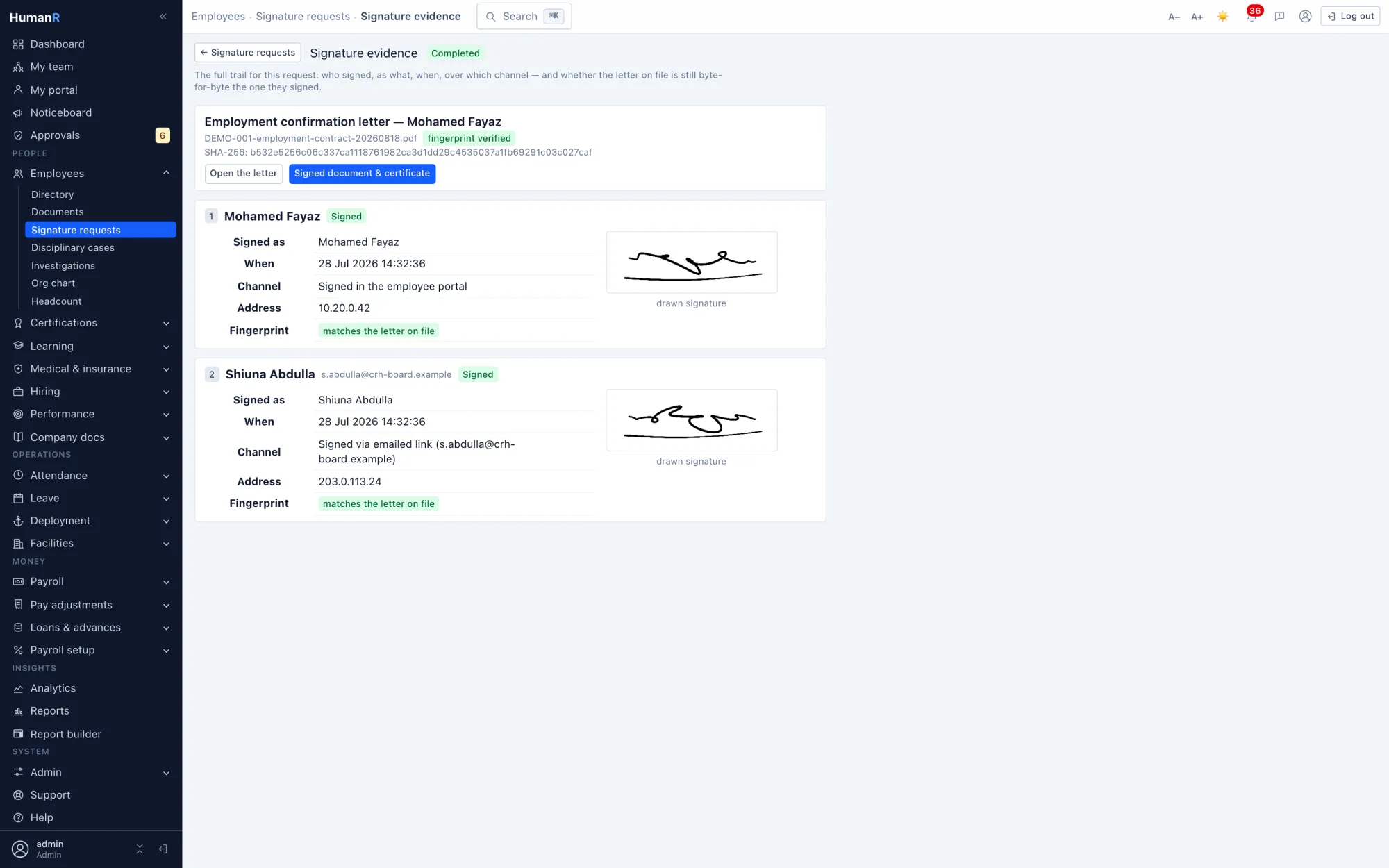
Staff sign in their own portal. Someone standing at your desk signs on a witnessed kiosk, with the witness's name recorded. Anyone outside the company — a director, a guarantor, a client — signs through a private one-time link sent to their email, with no account and nothing to install. All three produce the same evidence.
Evidence that checks itself
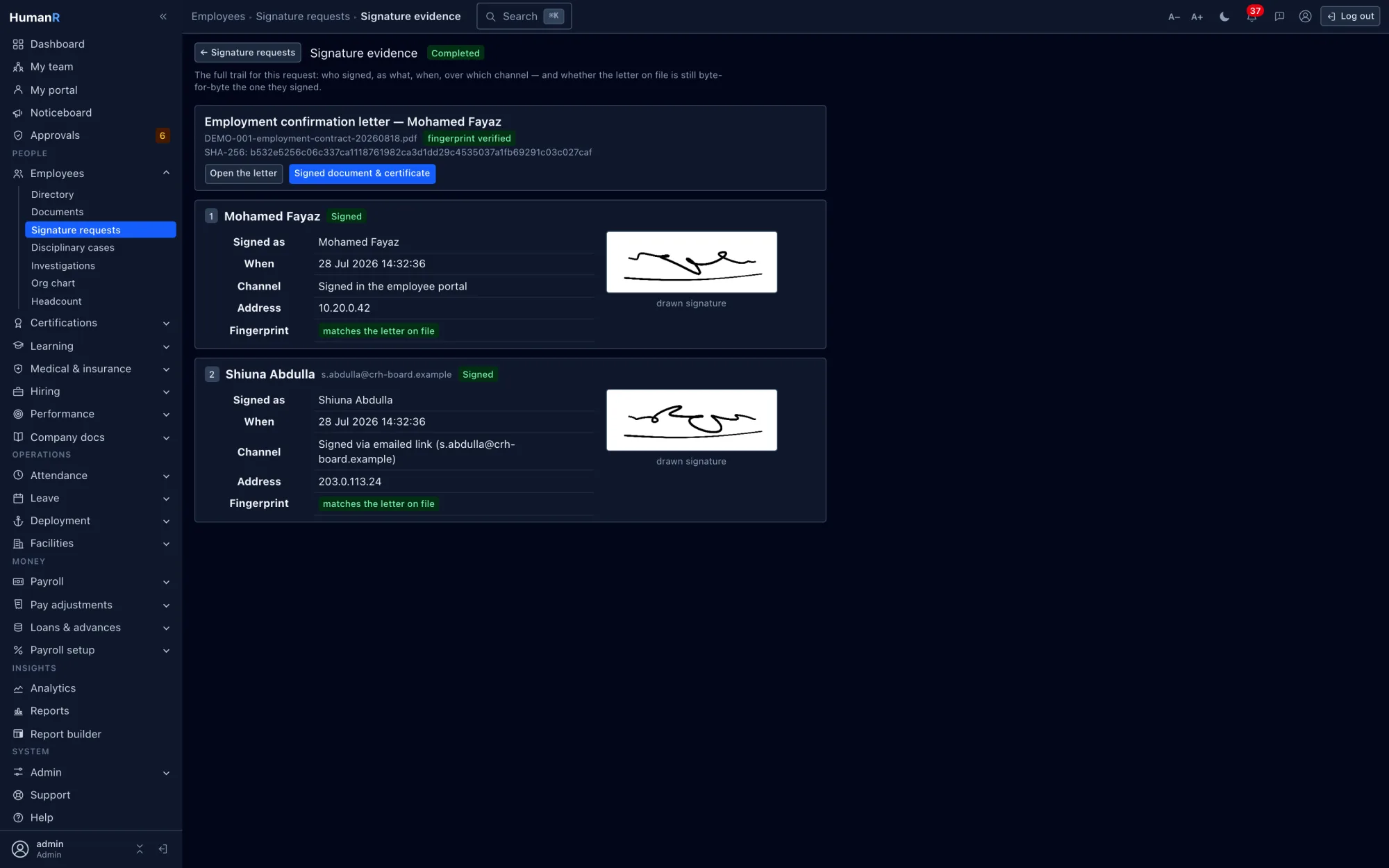
Each signature records the typed name, the drawn ink, the channel, the timestamp, the address it came from and the fingerprint of the letter as it stood at that moment. The verification page re-hashes the filed document live and compares — so a mismatch shows as a mismatch rather than being taken on trust. The signed letter and its certificate of evidence are filed together as one PDF on the same record.
Straight from the product
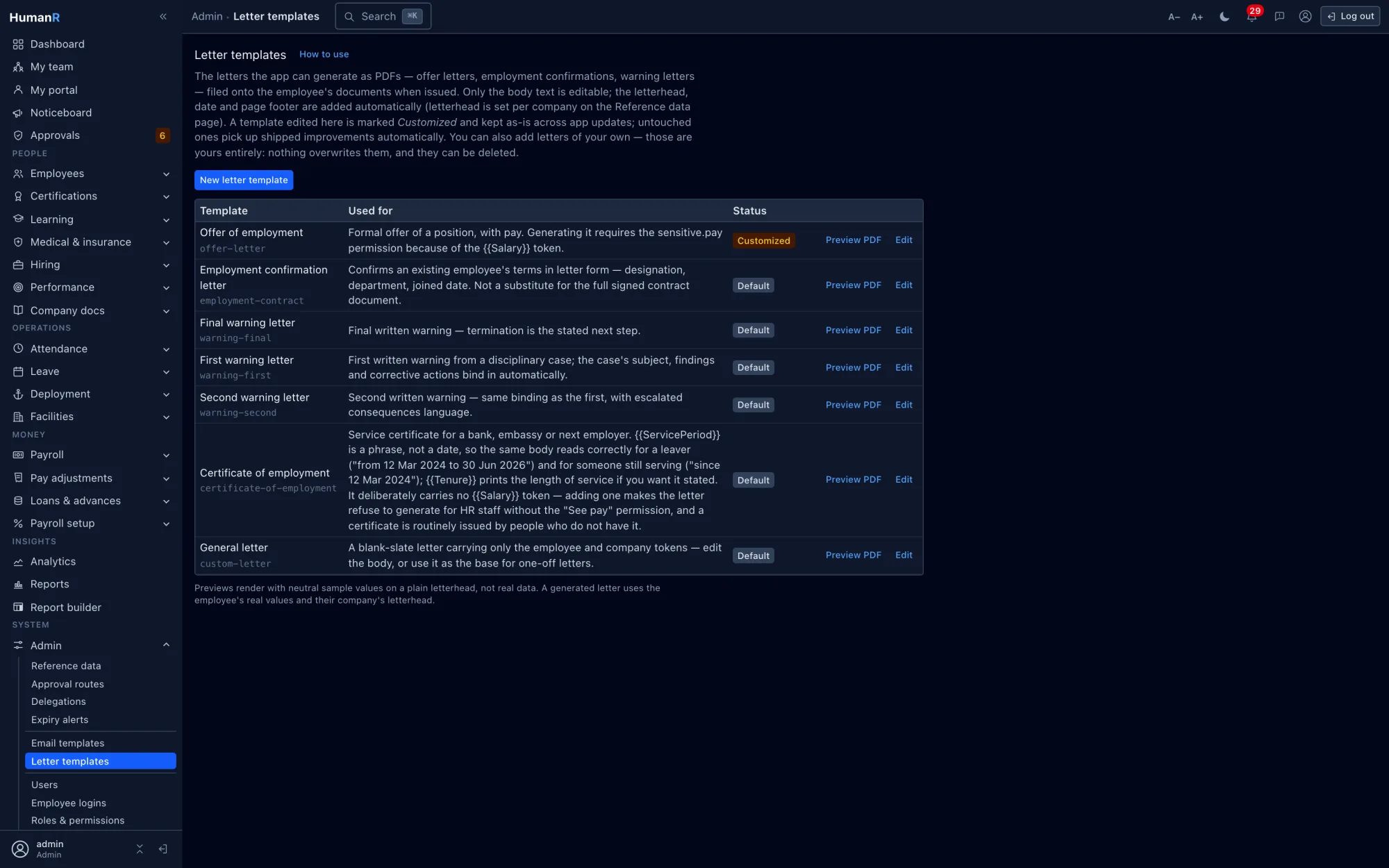
Real screens from the demo company — the same system your login opens.
Works best with
ވަޒީފާ ދިނުމާއި އެޕްލިކަންޓް ޓްރެކިންގ
އިޢުލާނުން ފެށިގެން ފުރަތަމަ ދުވަހާ ހަމައަށް، ކޮންމެ ކެންޑިޑޭޓަކު އެއް ބޯޑެއްގައި
Explore →ހުއްދަދިނުމާއި ވޯކްފްލޯ
ނާޒުކު ކޮންމެ ޢަމަލެއް ފެންނަނީ ރަނގަޅު ލޯތަކަށް — އަމިއްލައަށް
Explore →މުވައްޒަފުންގެ ރެކޯޑާއި ކޮމްޕްލަޔަންސް
ކޮންމެ މުވައްޒަފެއް، ކޮންމެ ލިޔުމެއް، މުއްދަތު ހަމަވާ ކޮންމެ ތާރީޚެއް — އެއް މަޞްދަރެއްގައި
Explore →Questions
Is a signature captured this way legally binding?
That depends on your jurisdiction and on the document, and we will not tell you it is settled. What the system does is capture what an electronic signature has to be able to show: who signed, that they intended to, when, through which channel, from where, and that the document has not changed since — with the fingerprint recorded at the moment of signing and re-checked whenever anybody looks. Where a wet signature is required, generate the letter, print it and file the scan on the same record.
What happens if the letter is changed after it is signed?
It cannot be — a filed letter is stored bytes with no edit path. What the design protects against is the file being replaced underneath the record: the fingerprint taken at signing is stored on the signature itself, and the verification page recomputes it from the document on file every time it is opened. If those two ever disagreed, the page would say so in as many words rather than showing a green tick.
Can we send a letter to someone who is not an employee?
Yes, and that is what the external channel exists for. They receive a private one-time link by email, open the letter, sign, and are done — no account, no app, no password. The link expires, attempts against it are counted, and the evidence recorded is the same as for anybody else. It is how a board director or a guarantor signs without being given a login to your HR system.
Do we have to use the templates you ship?
No — they are a starting point so a new install can issue a letter on day one, and every one of them is editable. Most companies edit the shipped wording rather than starting from nothing, because the structure is right and only the phrasing is theirs. Editing one freezes it against our updates, which is exactly what you want once your own wording is in it.
ތިޔަބޭފުޅުންގެ ޑޭޓާއާ އެއްގޮތް ޑޭޓާއަކުން އަމިއްލައަށް ބައްލަވާ
ޑެމޯއަކަށް އެދިވަޑައިގަތުމުން، ފުރިހަމައަށް ޑޭޓާ އަޅާފައިވާ ޑެމޯ ކުންފުންޏަކަށް ވަދެވޭ އަމިއްލަ ލޮގިން އީމެއިލުން ފޮނުވައިދޭނަމެވެ — މިނެޓްކޮޅެއްގެ ތެރޭގައި ޙަޤީޤީ ސްކްރީންތައް، ޙަޤީޤަތާ އެއްގޮތް ޑޭޓާއާއެކު ބައްލަވާލެވޭނެއެވެ.
ކްރެޑިޓް ކާޑެއް ބޭނުމެއް ނުވޭ. ސޭލްސް ކޯލެއް ވެސް ނުޖެހޭ. ޙަޤީޤީ ލޮގިންއެއް، އީމެއިލުން ފޮނުވައިދެނީ.