Employee Self-Service
Payslips, leave and requests in the pocket of every member of staff
Staff get a phone-first portal for the things they actually ask HR about: their payslips, their leave balance, a leave request, an advance or a loan. What they submit is the same record the HR office would have created, entering the same approval queue — so the portal adds a door, not a parallel system to reconcile.
See it live — demo in minutes →Sound familiar?
HR's day interrupted by payslip reprints and balance questions
Leave requests arriving as messages, then retyped into the system
Advance requests on paper chits that get lost before payroll
Staff with no way to check what they were paid, or why
Capabilities
What you get
7 capabilities
Payslips on a phone
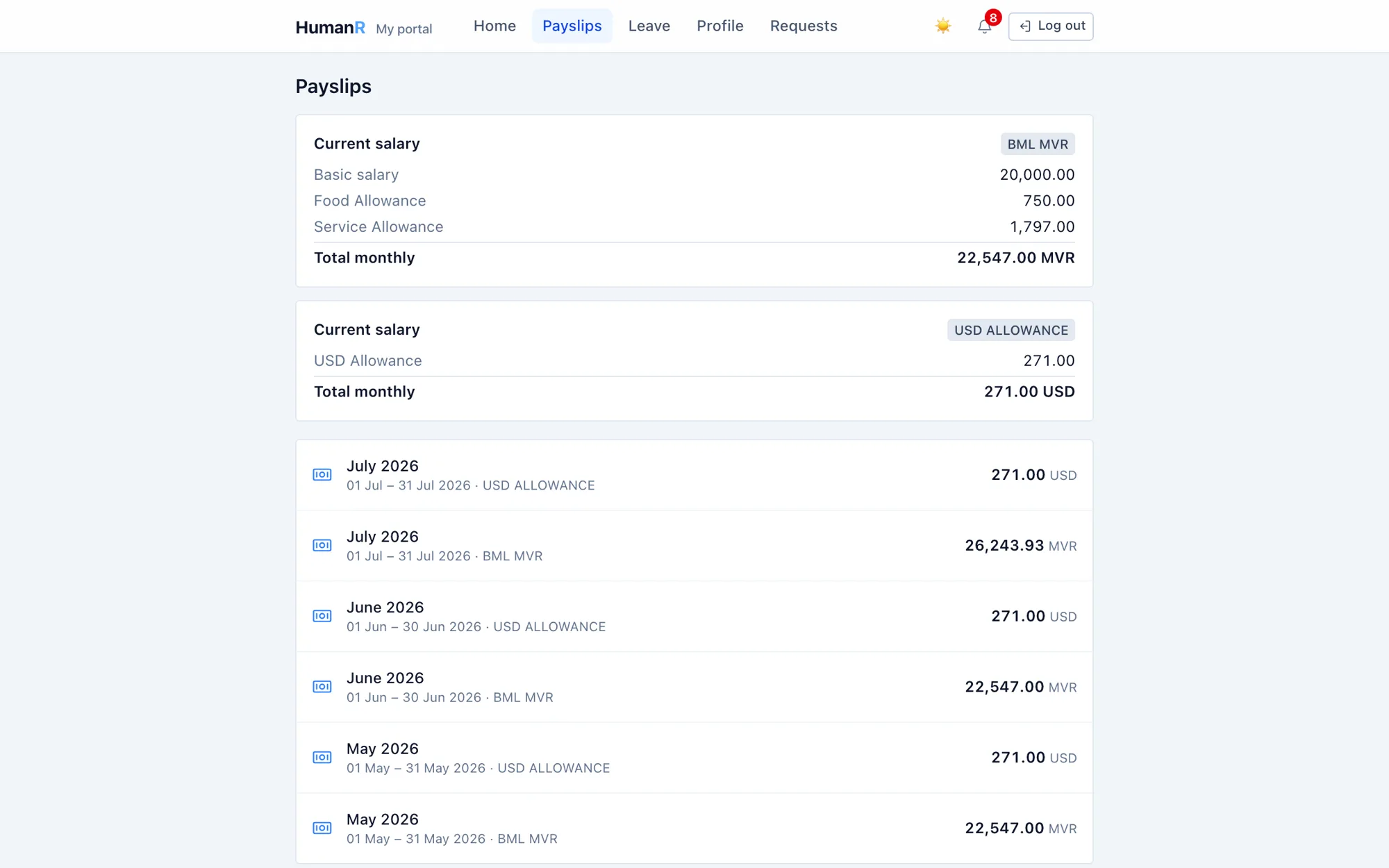
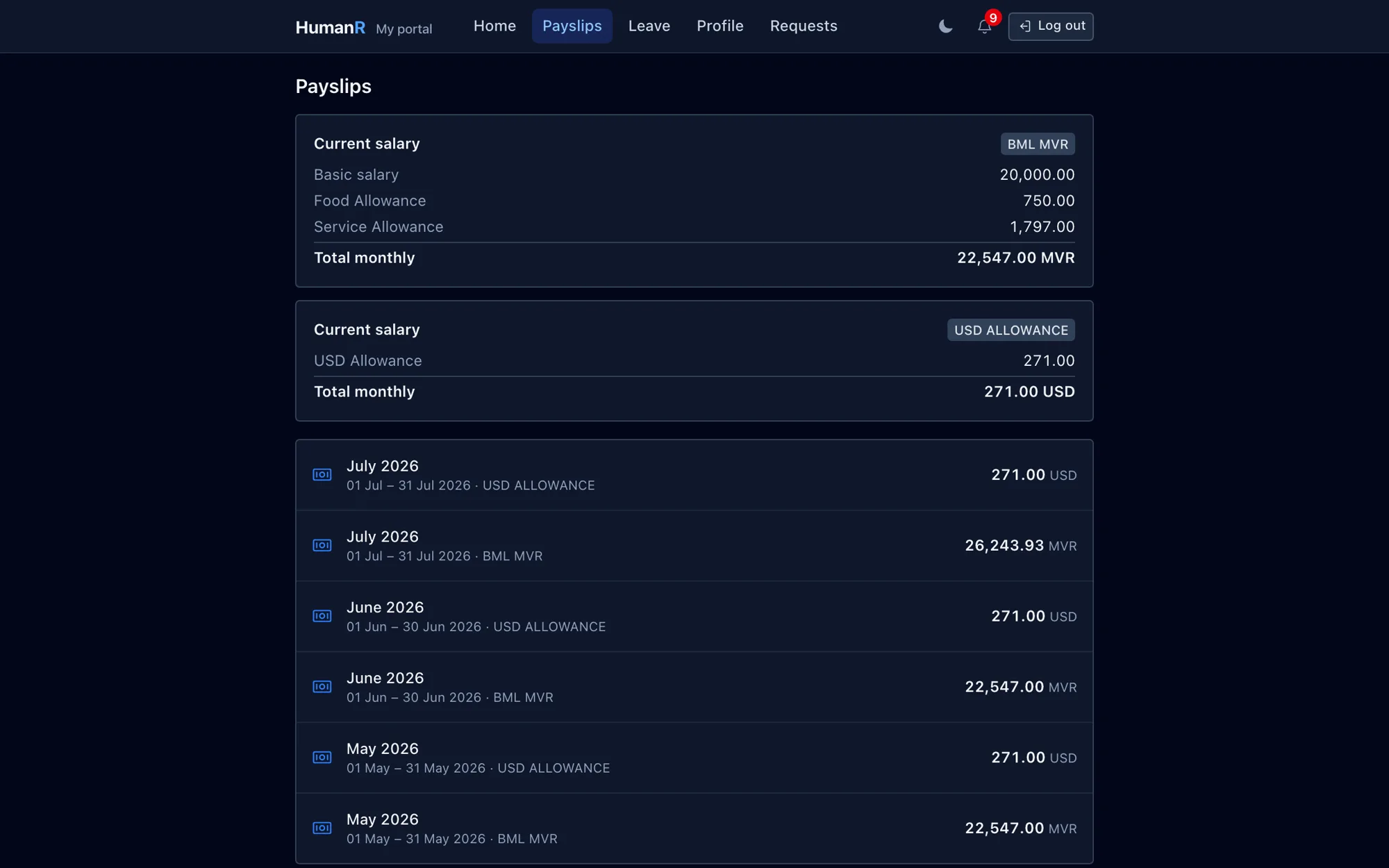
Current package and every finalized payslip, viewable and downloadable. Draft runs are invisible from here — figures HR is still working on can never leak early.
Leave requests that need no retyping
A request submitted from the portal writes the same record the HR board writes and opens the same approval gate — an approver cannot tell the two apart.
Balances the employee can check themselves
Standing balances, request history and the year's leave plan. Plan changes go in as proposals, so the agreed plan is never edited behind anyone's back.
Advances and loans without the paper chit
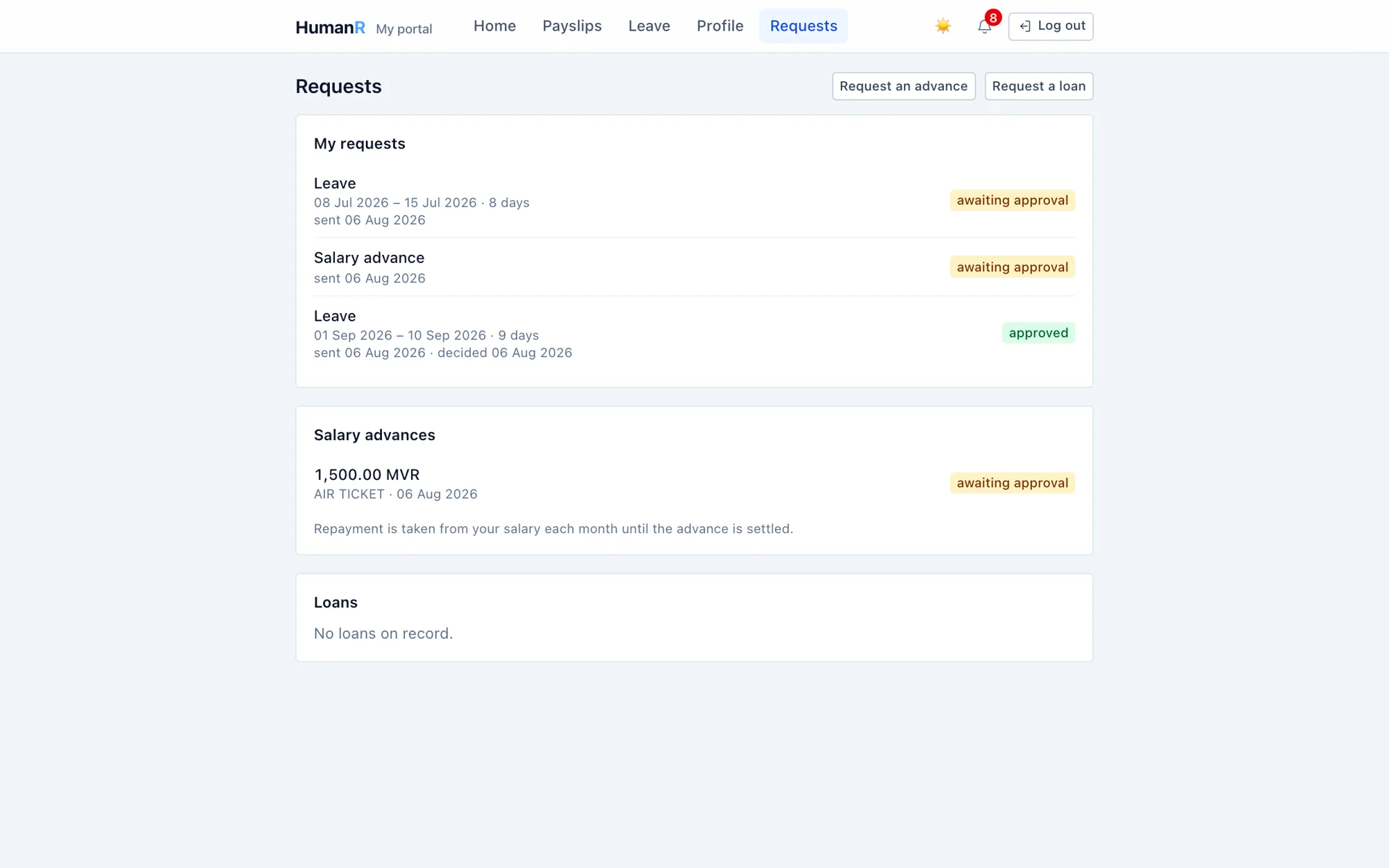
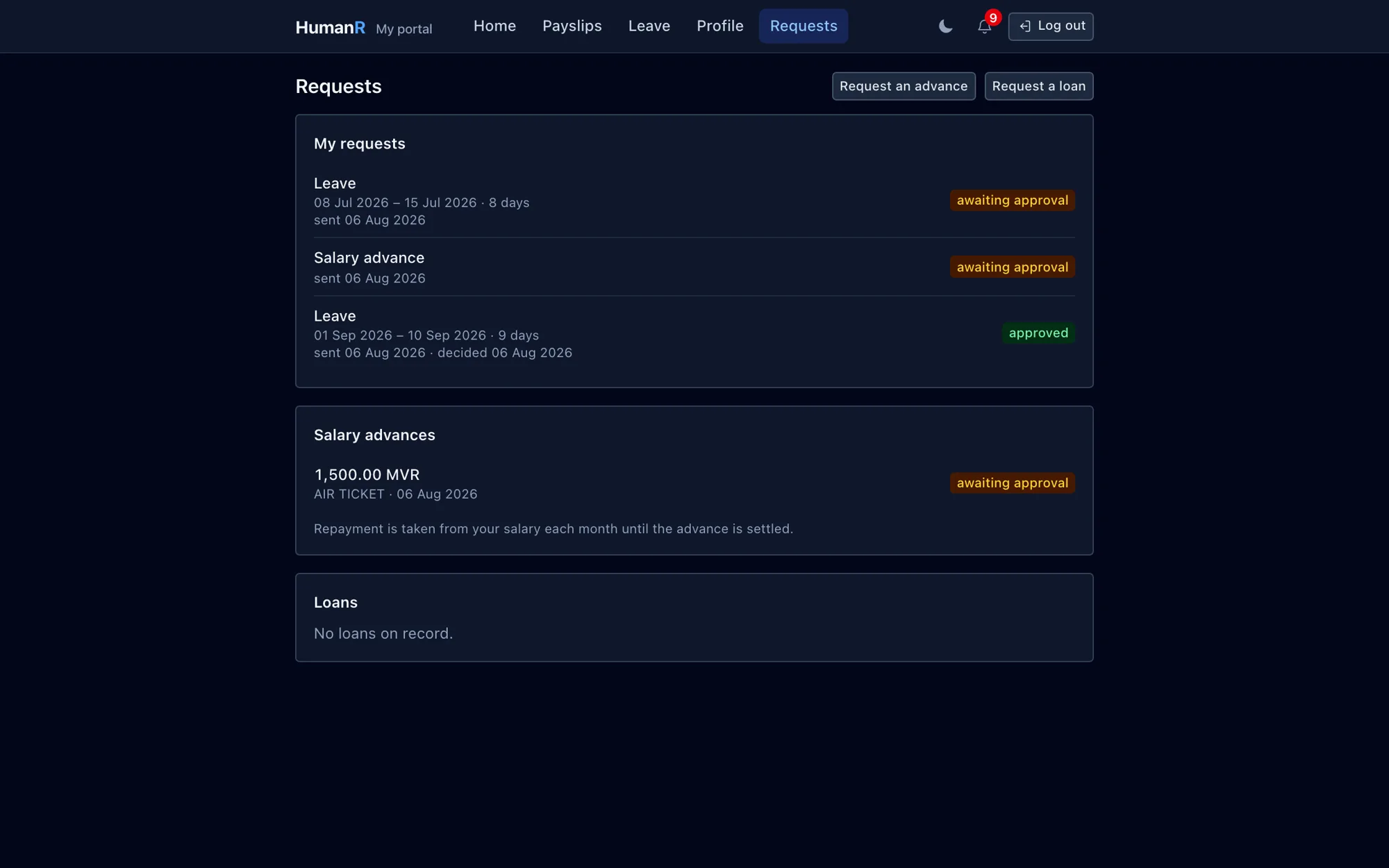
A salary advance or company loan requested here becomes the same row the payroll office would create, with the recovery deduction already attached.
Profile corrections as requests
The employee's record is read-only from the portal. A correction is a change request through the approval engine over a fixed set of fields — never a direct write.
Built for shared phones
Portal pages are never cached, sessions are short, and every employee can see where their account is signed in and sign out a device remotely.
Deliberately blind to what it shouldn't show
The request tracker shows only the employee's own leave, advances and loans. Investigations, disciplinary cases and in-flight increments are about them but are never surfaced to them.
Straight from the product
Real screens from the demo company — the same system your login opens.
Works best with
Dual-Currency Payroll
MVR and USD, Ramadan runs, loans and holds — payday without the panic
Explore →Leave Management
Balances that calculate themselves — including the local rules
Explore →Noticeboard & Celebrations
One place the company speaks to everybody — and it never pretends to be proof
Explore →Approvals & Workflows
Every sensitive action gets the right eyes — automatically
Explore →Questions
Does self-service create a second system HR has to reconcile?
No — that was the design constraint. A portal leave request is the same row, in the same table, through the same approval route as one raised at the HR desk. There is nothing to sync, because nothing is duplicated.
Can staff see payroll figures before we've finished the run?
No. Every query filters to finalized runs only. While a run is in draft it does not exist from the portal's point of view.
Our staff share phones in the accommodation block — is that safe?
It's what the portal was built for. Pages are served no-store so a back-button after logout finds nothing, portal sessions are short and absolute rather than sliding, and each person can list their active sessions and sign out a device they no longer have.
Can employees reset their own password?
No — resets are HR-mediated on purpose. In operations where staff share devices and may not have a personal email address on file, a self-serve reset link is an account-takeover route rather than a convenience.
See it with your own data-shaped data
Request a demo and we'll email you a personal login to a fully loaded demo company — explore real screens with realistic data within minutes.
No credit card. No sales call required. A real login, emailed to you.