Finance & GL Export
Payroll leaves as a balanced journal your accounting system already understands
Every finalized payroll run turns into balanced, per-currency journals using your own chart of accounts — written as a file in your accounting system's own format, or posted straight into QuickBooks Online over its API. Finance stops rekeying payroll totals, and stops finding out about a mapping mistake at month-end close.
See it live — demo in minutes →Sound familiar?
Payroll totals retyped into the accounting system every month
Journals that don't balance, found during close
A new pay component silently landing in the wrong account
No record of which run produced which journal
Capabilities
What you get
8 capabilities
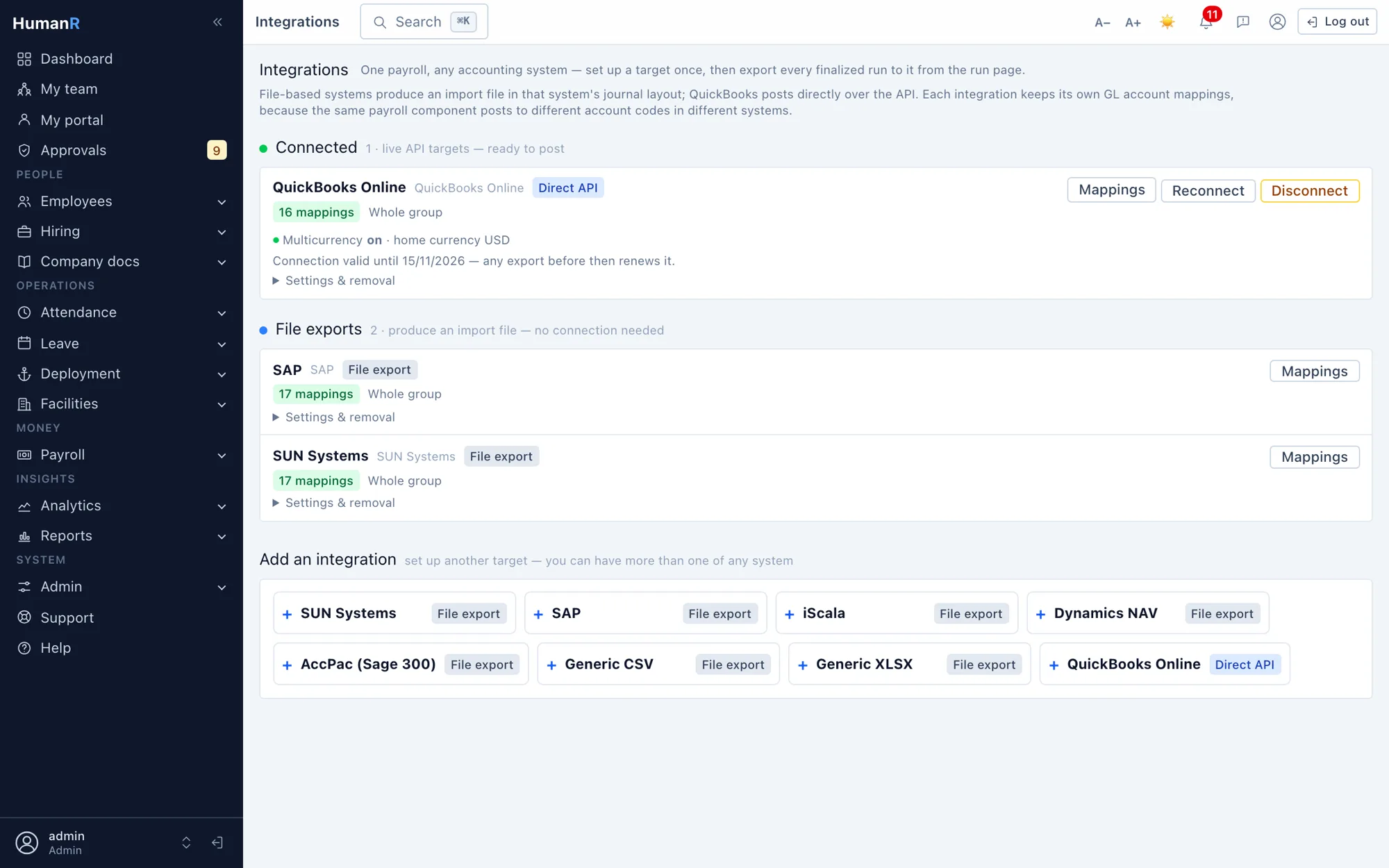
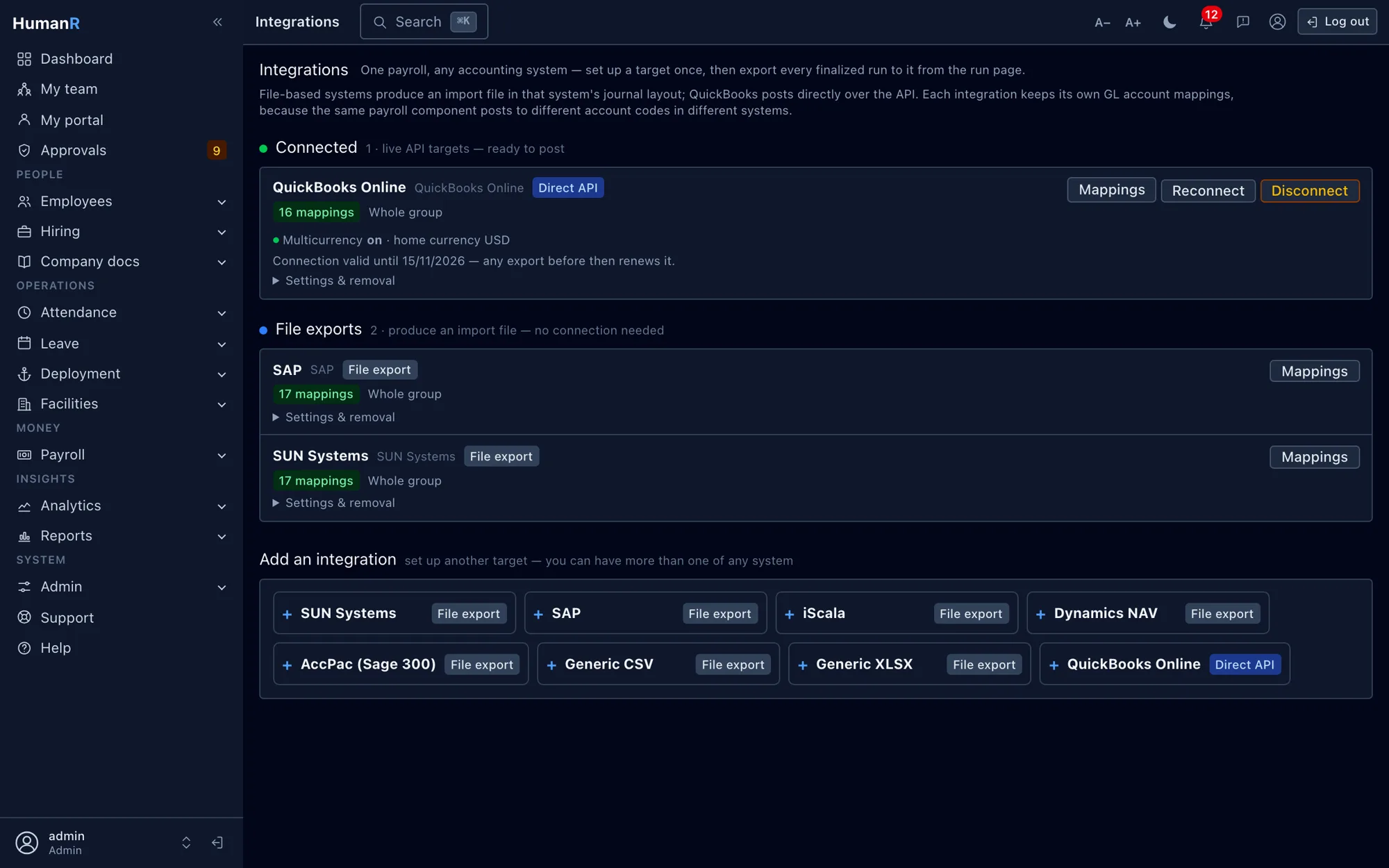
The formats finance actually runs
Journal files for SUN, SAP, iScala, Microsoft Dynamics NAV and Sage 300, plus generic CSV and Excel for anything else.
QuickBooks Online over the API
Connect a QuickBooks company once and journals post directly — no file to download, upload or lose in between. A retried export finds the journal it already posted instead of posting it twice.
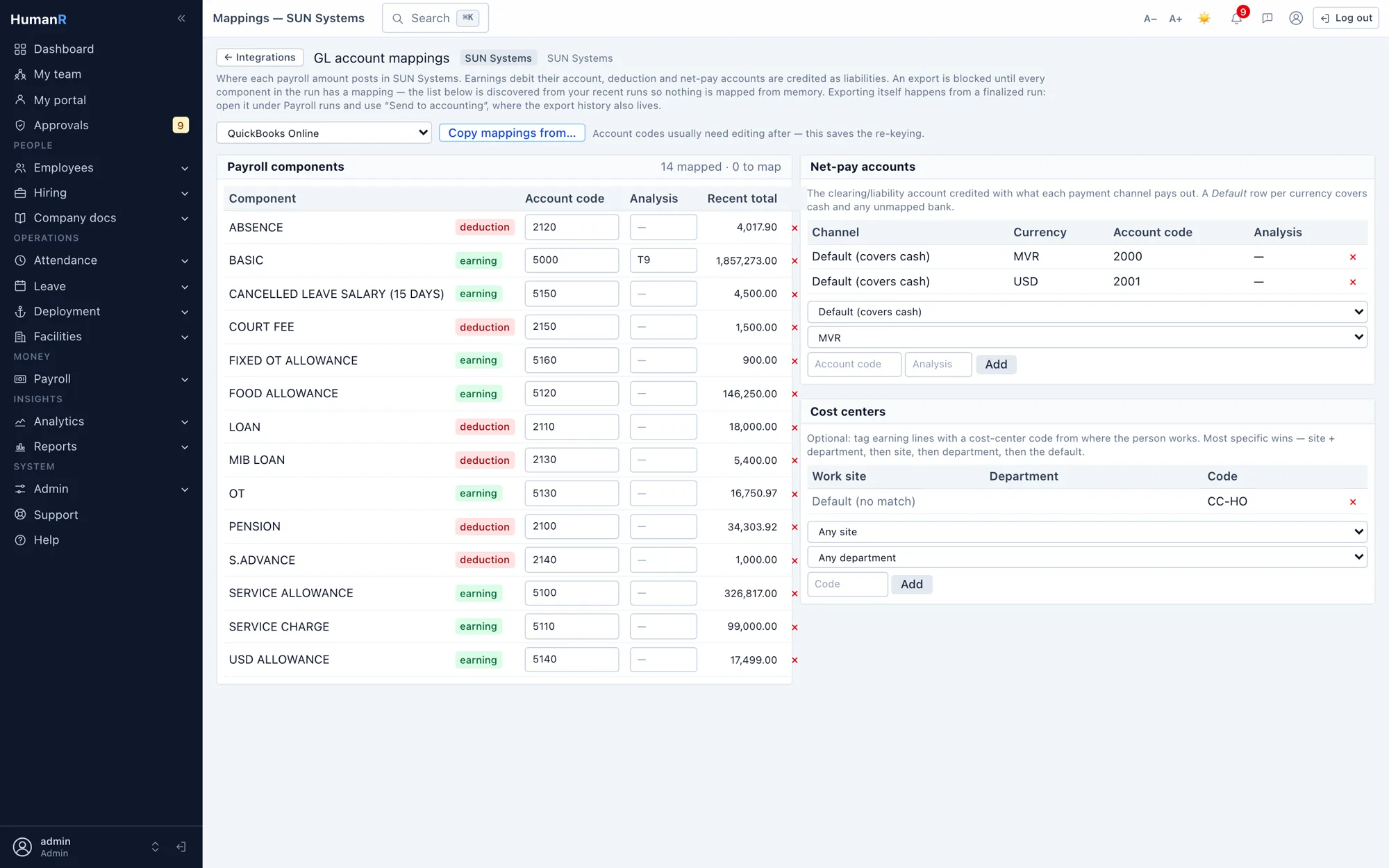
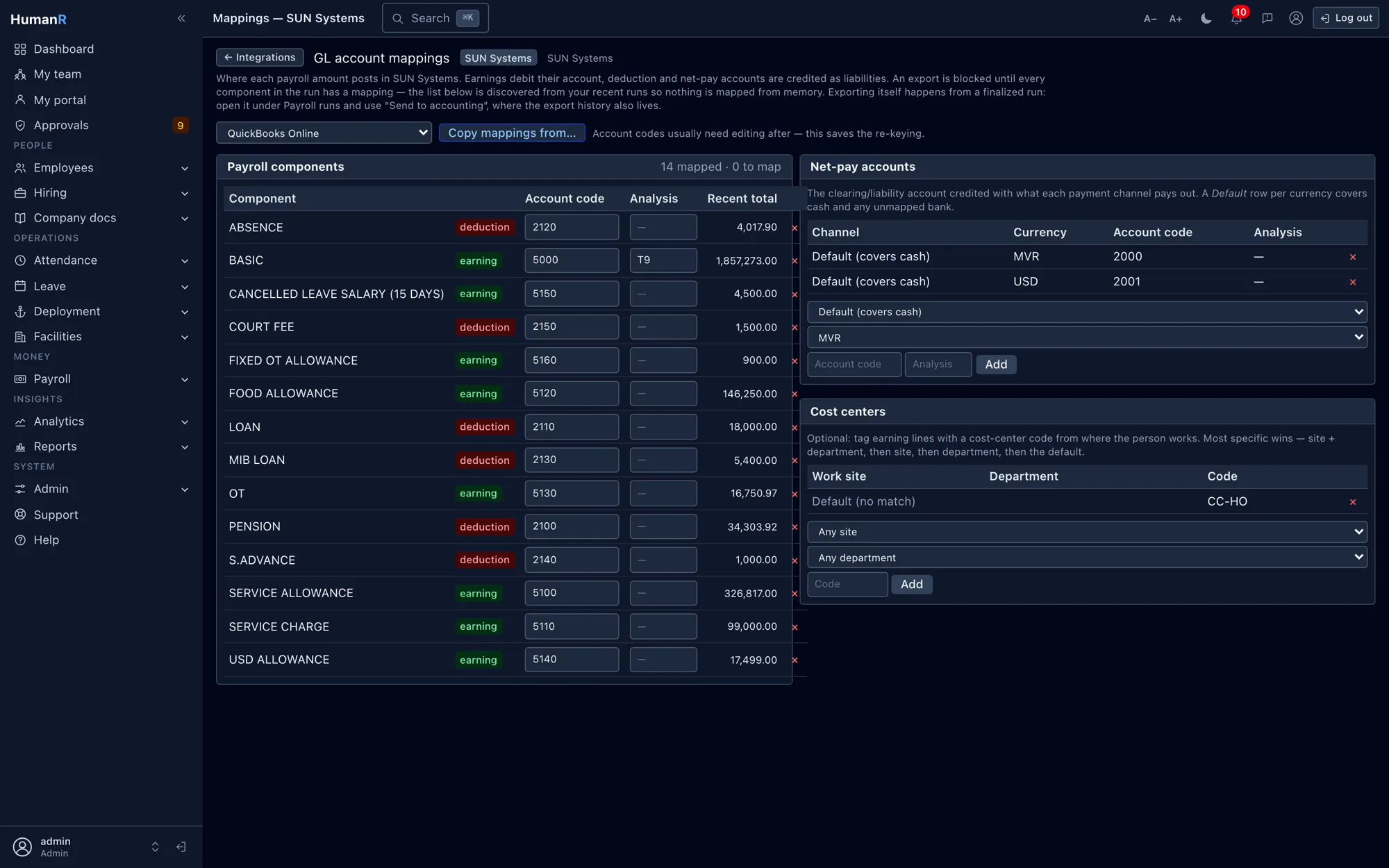
Your chart of accounts, mapped once
Map each pay component, deduction and contribution to its GL account. When QuickBooks is connected, you pick from its live chart of accounts instead of typing codes from memory.
Mapped from the real component list
The mapping screen lists every component that actually appeared in the last six payroll runs, with its total, marked mapped or unmapped — so nothing is forgotten because nobody remembered it existed.
Nothing unbalanced ever leaves
A run is validated against the mapping before export. Unmapped components and out-of-balance journals stop the export and are named — a file that imports wrong is worse than no file at all.
Balanced per currency
Dual-currency payroll produces one balanced journal per currency, from the same mapping. Fix a mapping once and every target gets the fix.
A second system needn't mean re-keying
Copy an existing integration's mappings into a new one as a starting point; anything already mapped is left alone rather than overwritten.
Every export on the record
Exports are logged with run, target, actor and outcome, and the log is a reporting source. An integration that has exported is retired rather than deleted — its history outlives it.
Exports into the finance systems you already run
The same mapped, balanced journals feed every target — posted straight into QuickBooks Online over its API, or written as a file in your accounting system's own format.


Straight from the product
Real screens from the demo company — the same system your login opens.
Works best with
Questions
Which accounting systems can you export to?
SUN, SAP, iScala, Microsoft Dynamics NAV and Sage 300 in their own journal formats, QuickBooks Online directly over its API, and generic CSV or Excel for anything not on that list. The same mapped journals feed all of them.
We run dual-currency payroll — how does that post?
As one balanced journal per currency from a single mapping. Where the connected system can't take a currency — QuickBooks with multicurrency switched off, say — the export says so plainly before sending anything, rather than posting something wrong.
What happens if someone adds a new pay component and forgets to map it?
The export refuses and names the component and its total. Validation runs before anything is written, so an incomplete mapping is caught at export time, not at close.
Is the QuickBooks connection audited?
Connecting, reconnecting and disconnecting are each recorded against the person who did it. The stored tokens themselves are encrypted at rest and deliberately excluded from the audit trail — they are credentials.
See it with your own data-shaped data
Request a demo and we'll email you a personal login to a fully loaded demo company — explore real screens with realistic data within minutes.
No credit card. No sales call required. A real login, emailed to you.