Workflow
Performance guide
Most appraisal tools ask a manager to remember a year and score it in December. HumanR does the opposite: it writes the year down as it happens — goals with dated check-ins, feedback filed the week it occurred — and then puts all of it on the review form, beside the operational record the system already holds. The rating is written against evidence, not memory. This guide follows that arc: the form and its evidence panel first, then the cycle around it, then the year between the reviews.
This is the guide HumanR users read inside the product, published as-is. It is written for someone with the screen in front of them, so it describes buttons you cannot click from here — which is rather the point: you can check how the product behaves before you commit to it.
What the module is for
Performance management has two halves that most tools split into two products. HumanR keeps them in one because the whole point is that they feed each other:
- The review — a cycle ("Annual review 2026") puts a form in front of a rater for each person in scope. The rater scores against a rating scale, and the manager's number rolls up to the person's final rating.
- The year in between — goals with dated check-ins, and feedback notes written when something happened. This is the record the review is written from.
The data shape underneath is cycle → participation → response → answer: one cycle, one participation per employee, one response per rater (self, manager, peer, skip-level), one answer per line of the form. That fan-out is why 360-degree review is just more responses on the same participation rather than a different feature.
The review form & its evidence panel
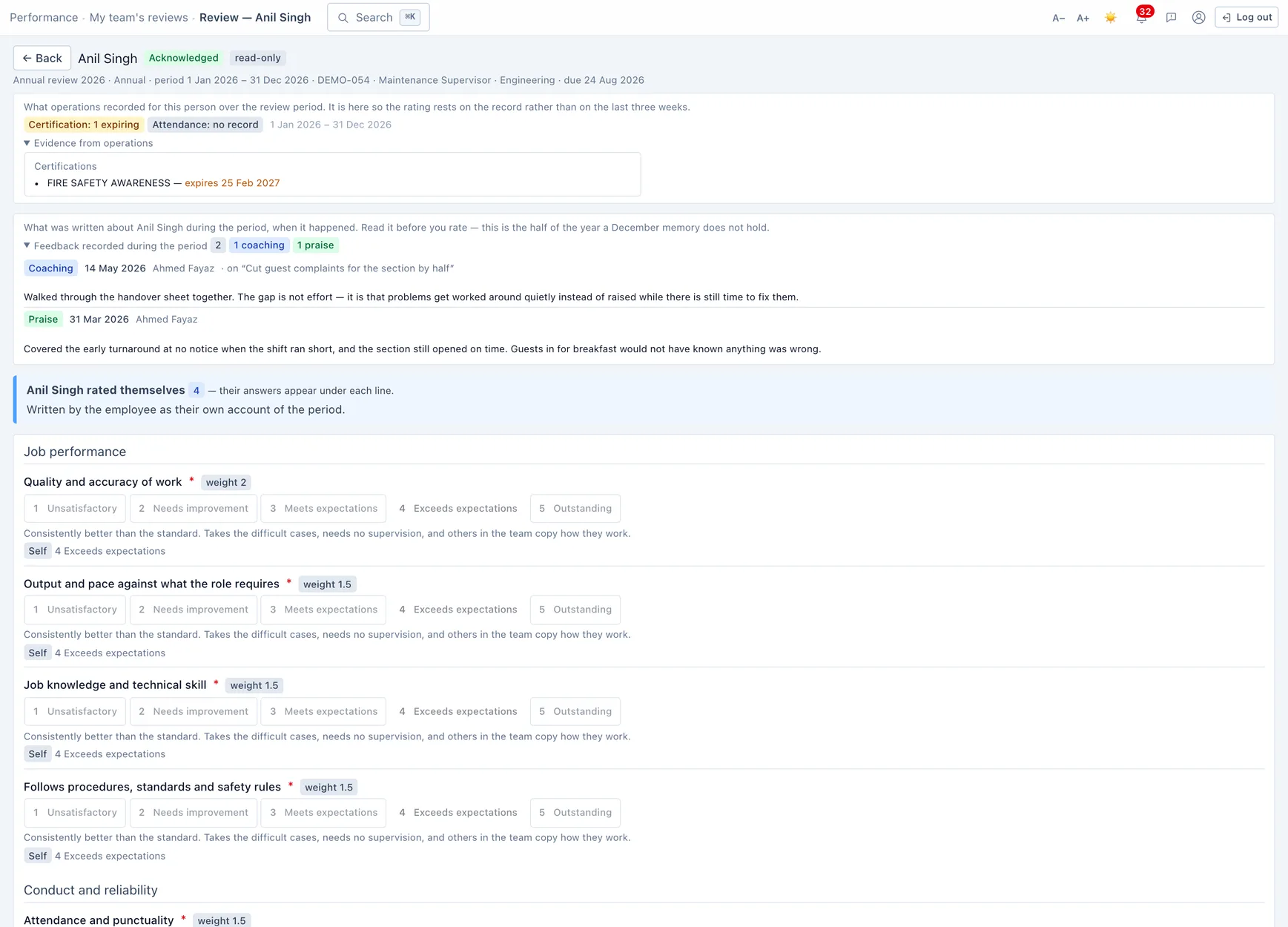
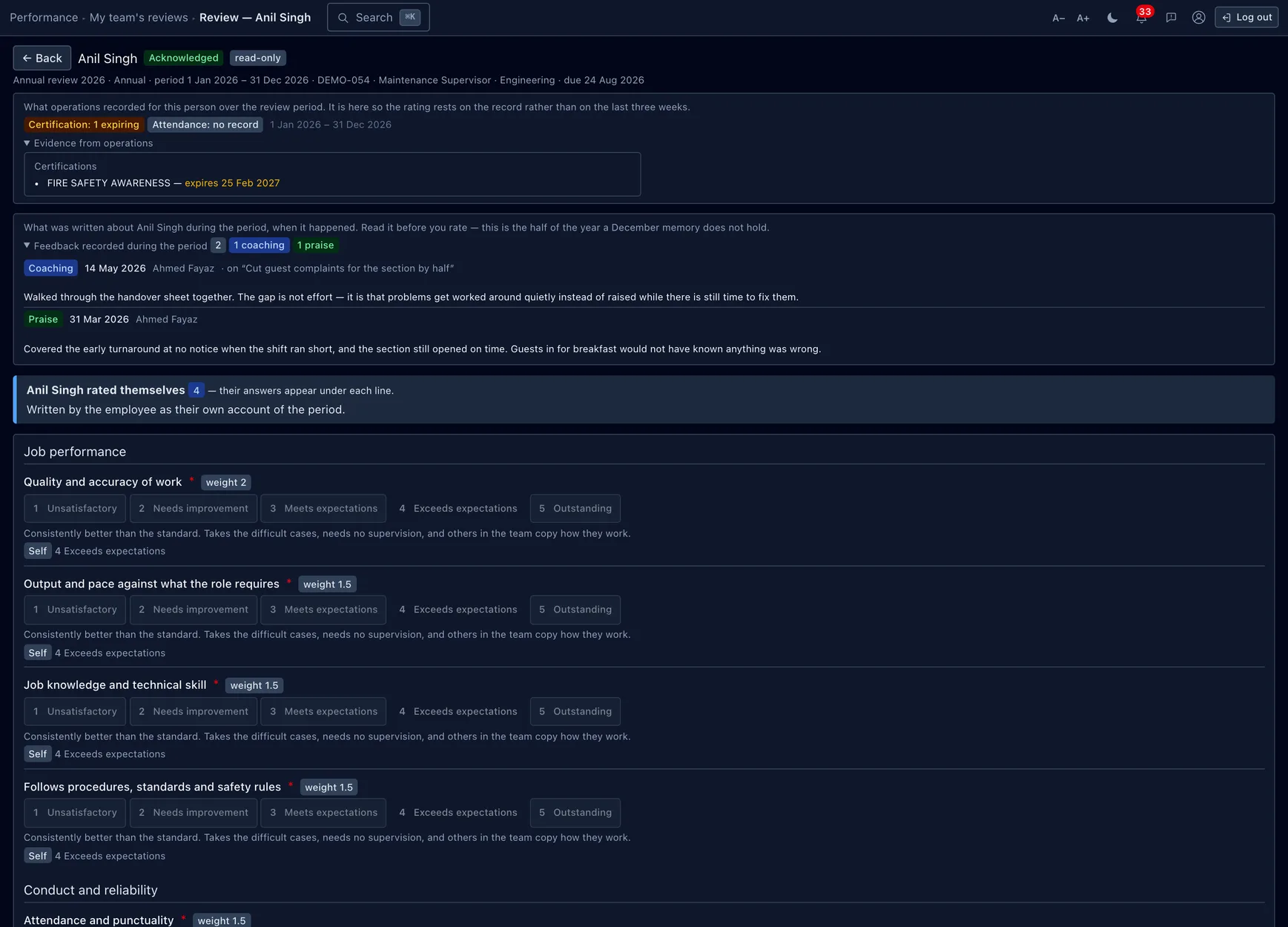
This is the screen the module exists for. Above the rating questions the form renders the evidence panel: what operations actually recorded for this person over the review period — attendance and lateness, leave, any discipline, expiring certifications, deployment — and the feedback notes written about them during that window. The rater reads the record before scoring, so the number rests on the year rather than on the last three weeks.
If the template has self-appraisal on, the employee fills their own copy first and their answer sits beside each line as the manager rates — the whole value of collecting a self-rating is seeing it next to the manager's, not buried on another tab. Each rating line shows its weight and, under every scale button, the behaviour that button describes, so "3 — Meets expectations" means the same thing to every rater.
Running a review cycle
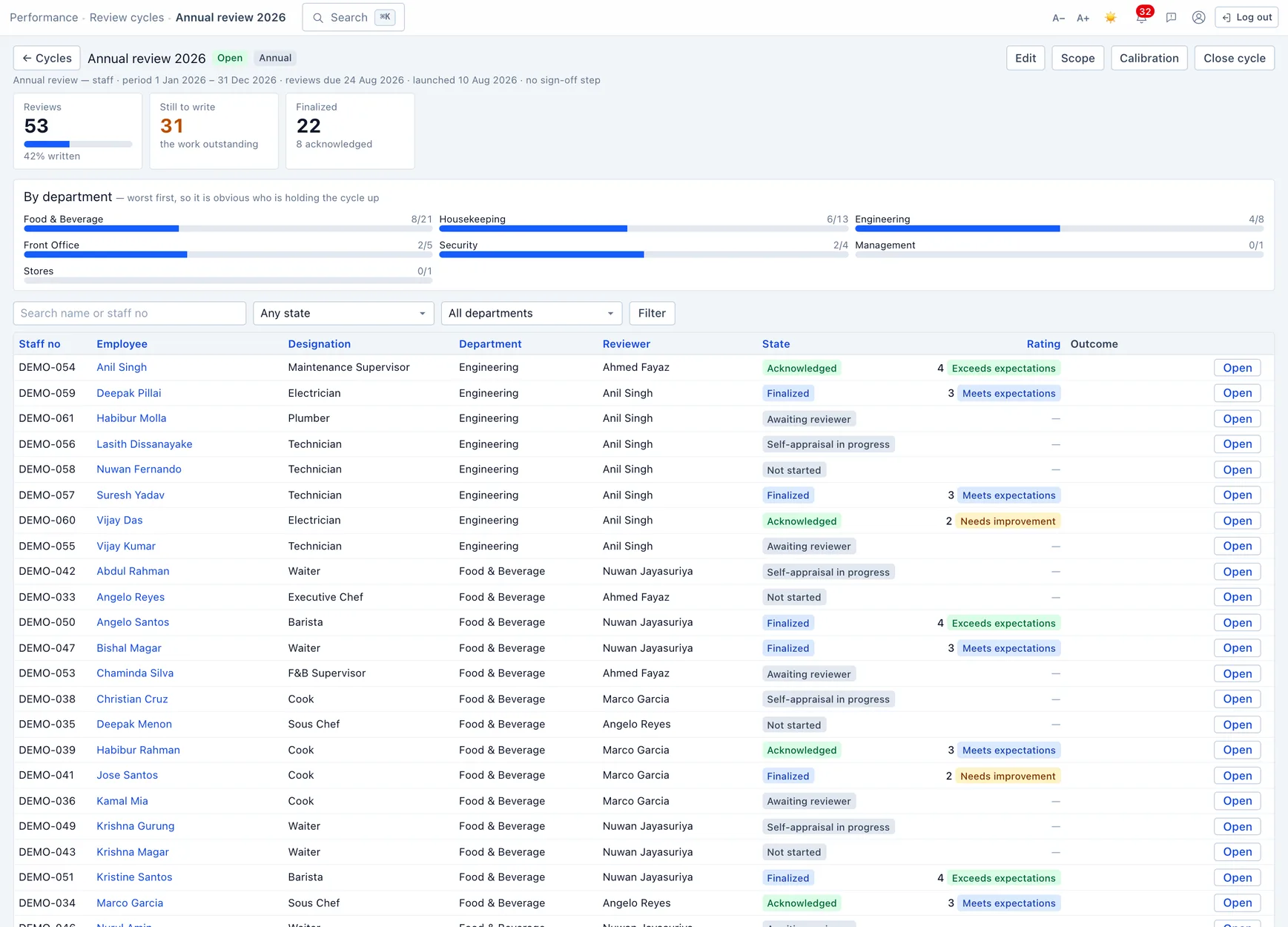
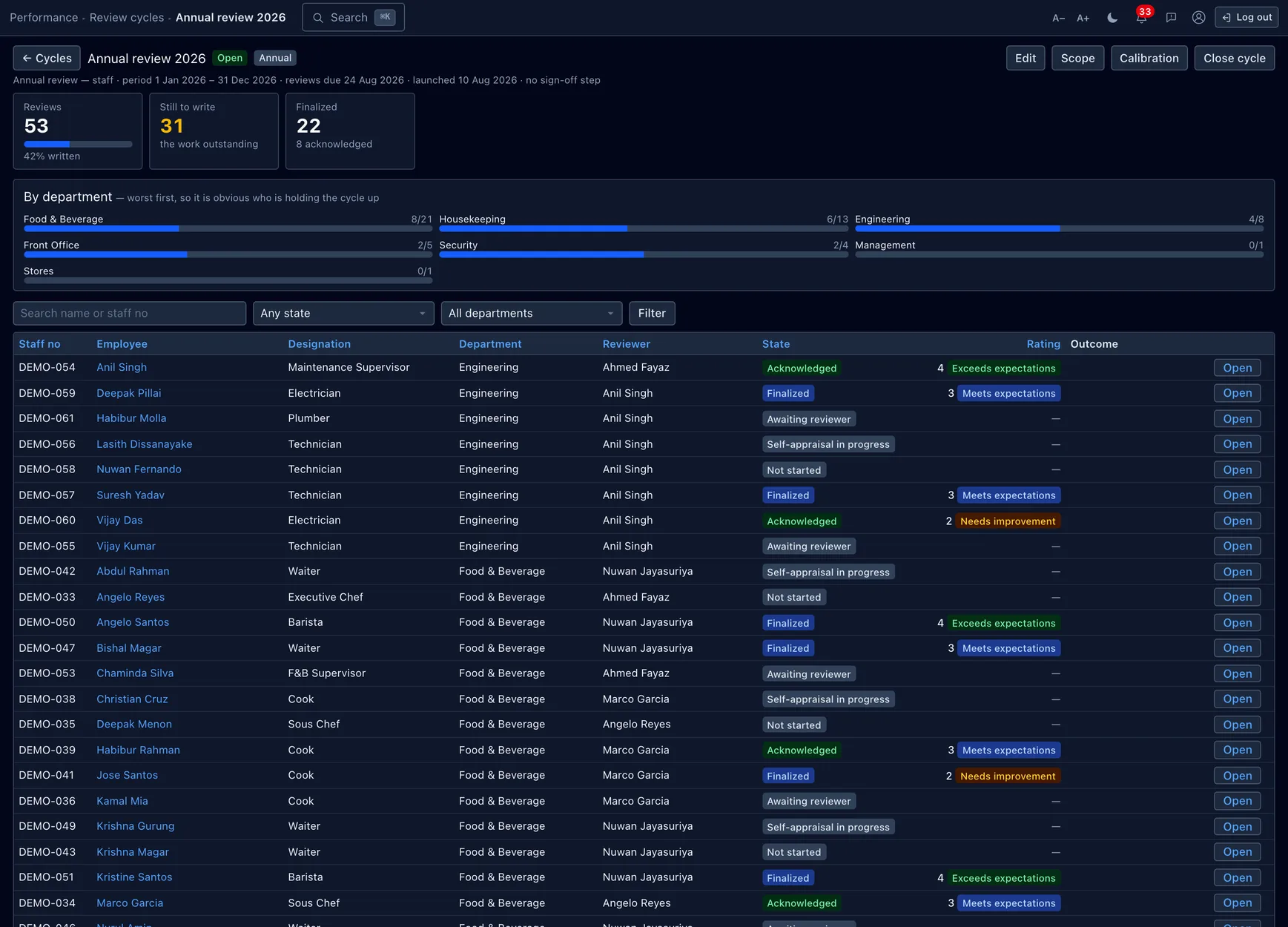
A cycle moves through four states:
- Draft — editable, touches nobody. You pick the template and default scale, the period under review (which is also the window the evidence panel aggregates over), and the scope.
- Open — launching is one transaction: participations are created, reviewers are resolved and notified. It is not reversible by editing scope afterwards, so preview the scope before you launch.
- In calibration — reviewer input is frozen while ratings are compared (next section).
- Closed — the archive state.
Scope is stored as filters — company, department, work site, designation, minimum tenure — not as a saved list of names, so "who was in scope" stays answerable after the fact and the preview and the launch run the same query. Recent joiners and staff still in probation are left out by default; probationers get a probation review of their own instead.
The board reads worst-department-first, on purpose — it should be obvious at a glance who is holding the cycle up. Each participation carries a snapshotted header (the job the person held then) and travels its own states: Not started → Self in progress → Awaiting manager → Submitted → (Pending approval) → Finalized → Acknowledged.
Calibration
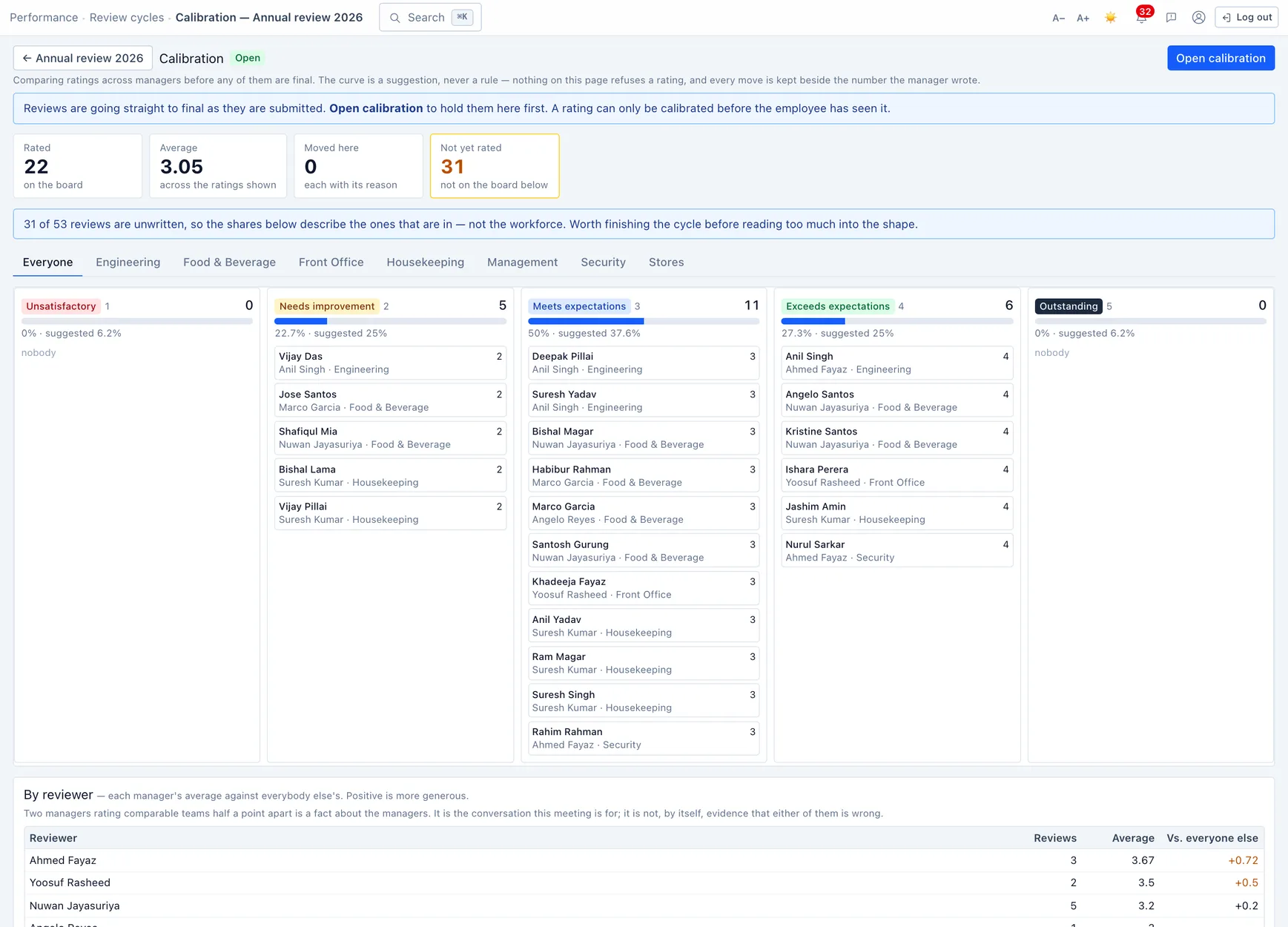
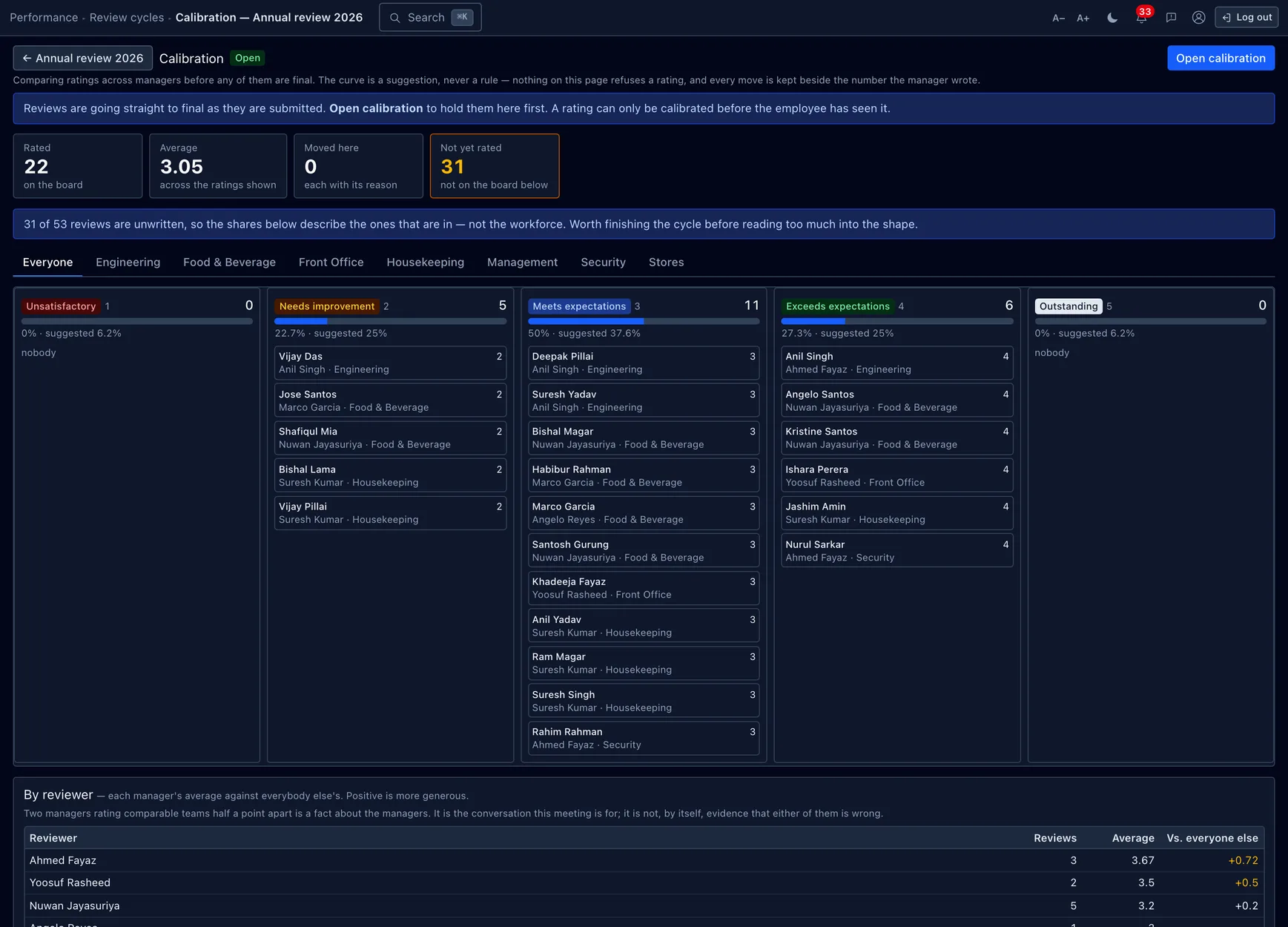
Calibration is the meeting where managers compare ratings before any of them are final. The board lays every rating against a suggested curve and shows, per reviewer, how their average sits against everyone else's — so "one manager rates a full point higher than the rest" becomes visible instead of invisible.
When a rating is moved, the change never overwrites the manager's number: the calibrated score sits beside it with a required reason. "The manager wrote 4, the meeting moved it to 3, here is why" is a defensible record; one overwritten column is not. A rating can only be calibrated while it is held here — once the employee has seen it, it stands.
Outcomes, probation & pay
A review can carry an outcome beyond the number — the ones that have a consequence elsewhere:
- Confirm / extend probation — a probation review's whole point. Confirm clears the employee's probation expiry; extend pushes it out. The employee record is touched only when the review is finalized, so an extension proposed and then rejected at sign-off never lands.
- Promote — a note for the increment conversation, not an act.
- Recommend an increment — a review may propose a salary increment, but it is always raised as Requested and goes through the existing increment approval. Finalizing a review never moves pay.
- Improvement plan — recommends a PIP (below).
Goals & check-ins
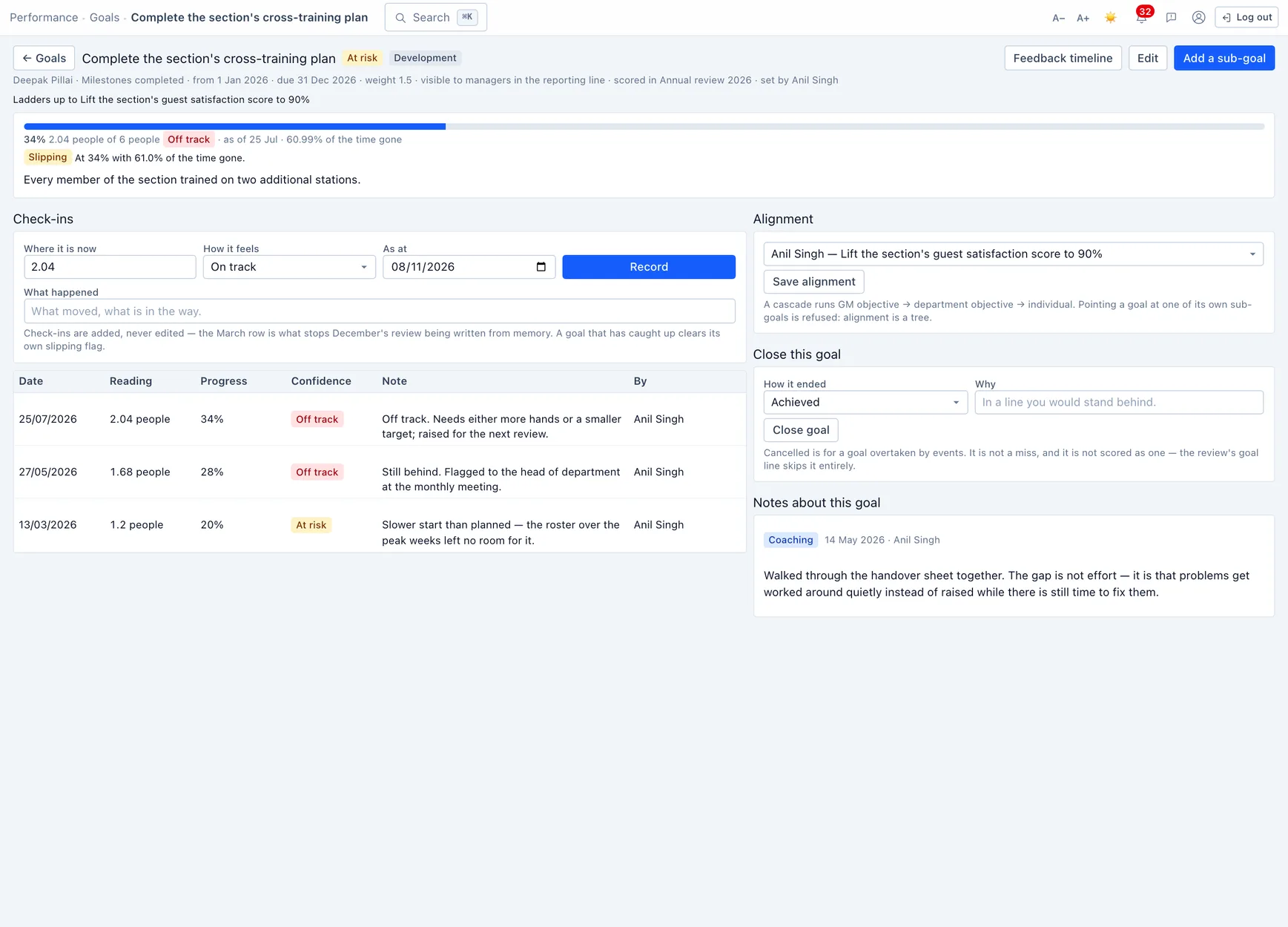
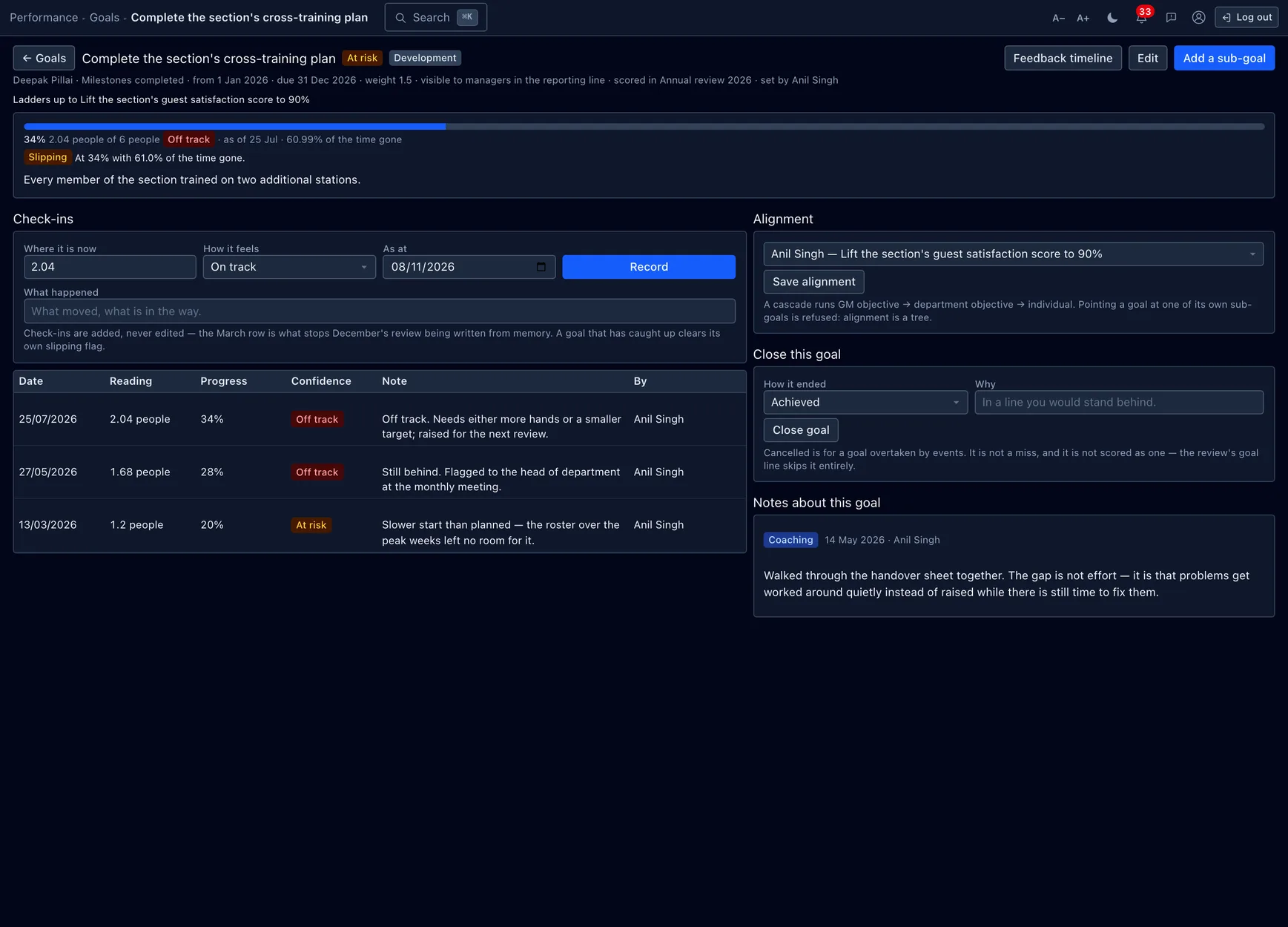
A goal has a start and a target and a measure — a percent, a count, money, a checklist of milestones, or plain done/not-done. A target below the start is fine and common ("cut wastage from 8% to 3%"); the maths works off the signed distance.
- Progress is derived, never stored. Where a goal has got to is its latest check-in; a parent goal's progress is the weighted progress of its children. There is no "current value" column to drift out of step and no recalculation job to forget.
- Check-ins are append-only. A check-in is a dated reading with a confidence (on track / at risk / off track) and a note. The March row is exactly what stops December's rating being written from memory, so history here is not edited.
- Alignment is a tree. A goal can ladder up to another — GM objective → department objective → individual — and the breadcrumb reads the cascade. Pointing a goal at one of its own sub-goals is refused.
- At-risk is flagged for you. A nightly pass raises a goal whose due date is closing with no movement, so nobody has to notice; a later check-in that catches up clears the flag.
Confidence and progress are kept apart on purpose. A goal can be at 80% and off track (the last 20% is the hard part) or at 20% and on track (the work lands in December). The mismatch between the number and the owner's read is exactly what a manager wants to see.
Continuous feedback
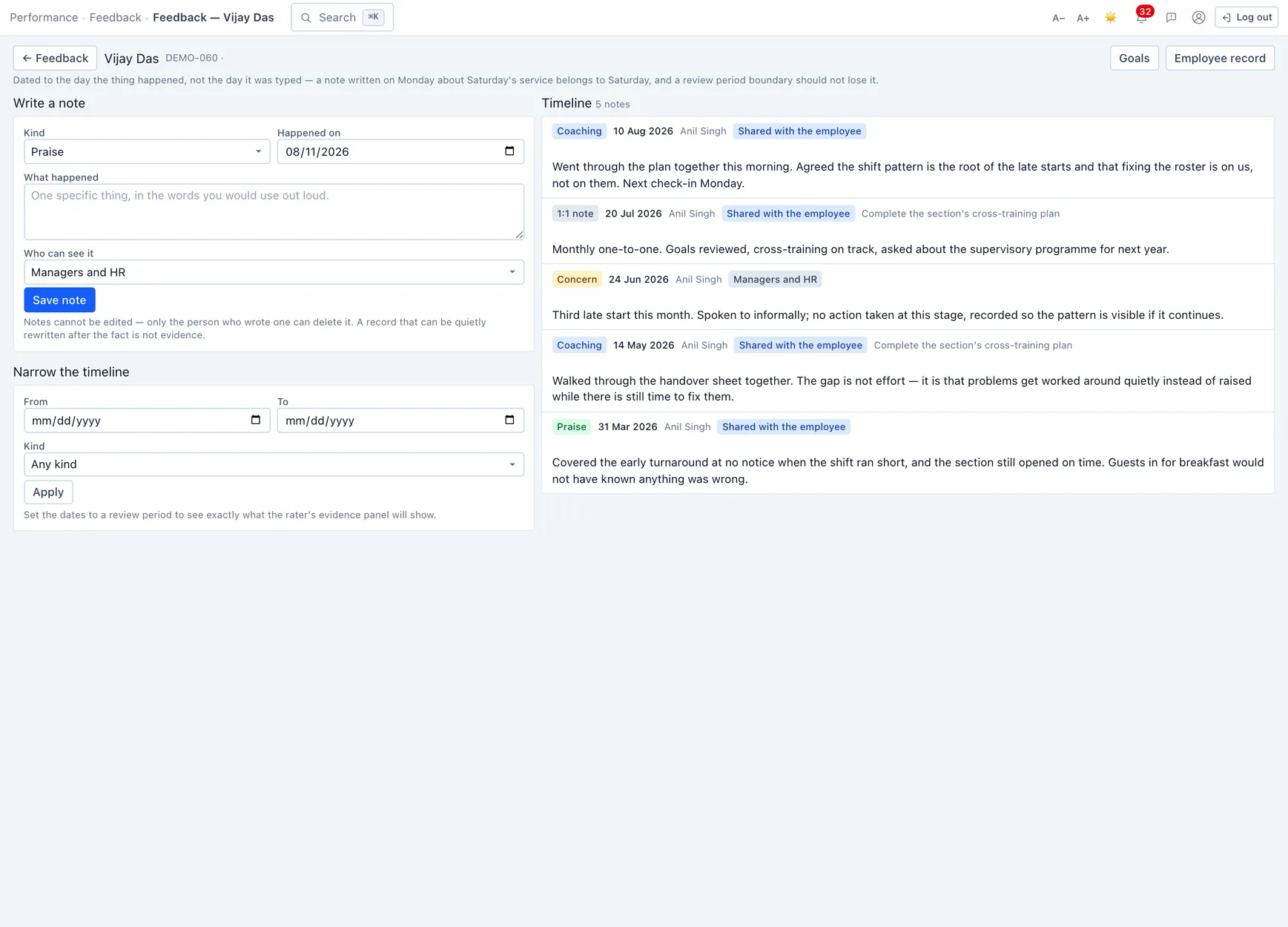
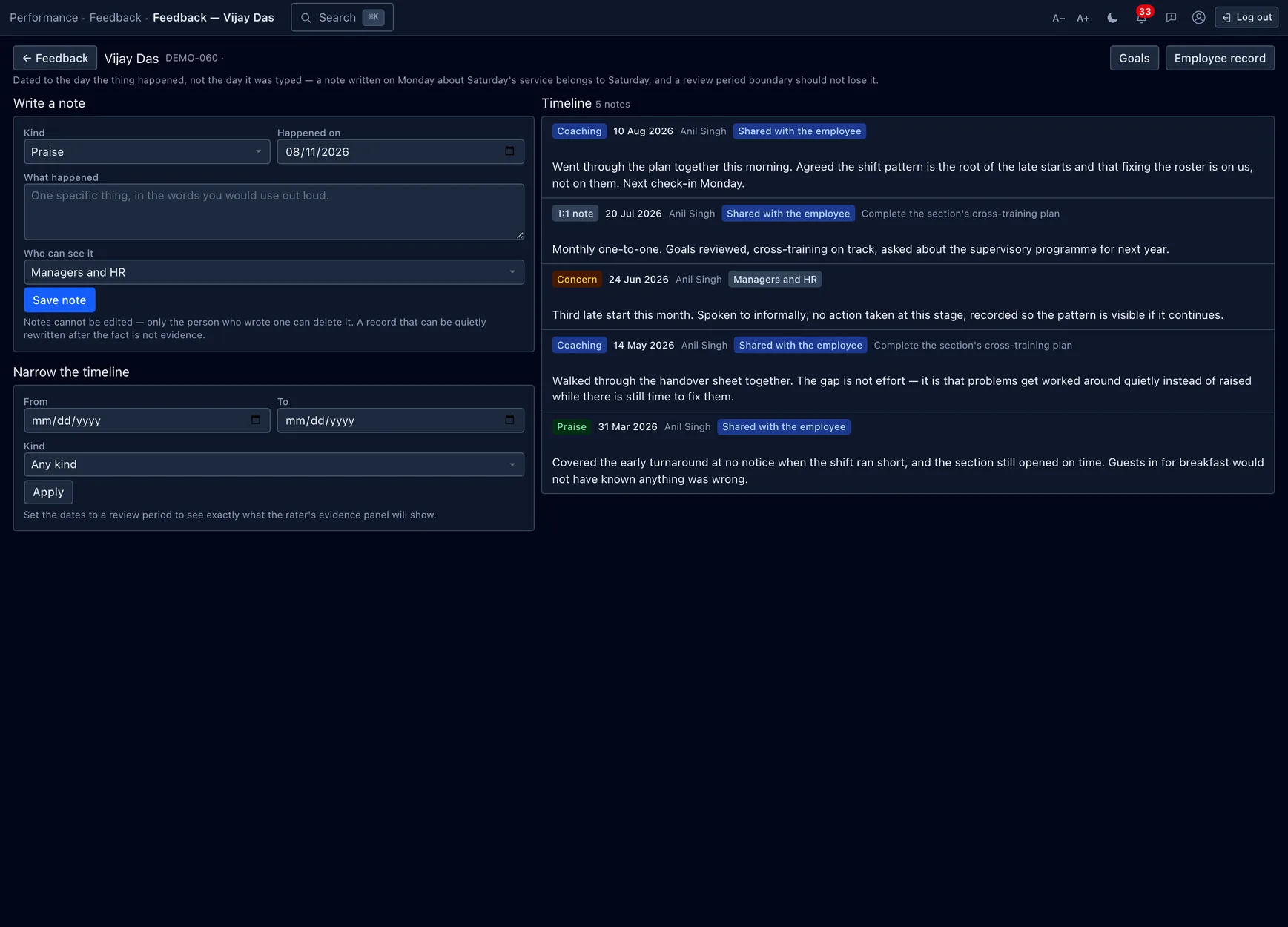
Feedback notes are the recency-bias antidote: a dated observation written when it happened, read back by period onto the review form. A note carries a kind and a visibility, and both are load-bearing:
- Kind — Praise, Concern, Coaching or a 1:1 note. The review form pulls Praise and Concern for the period as the two columns a rater is asked to substantiate.
- Visibility — Private to author (a manager's own memory jogger), Managers & HR (the default — the manager chain, but not the employee, because a concern in April is evidence for a conversation, not the conversation), or Shared with the employee (what they see in self-service).
Notes are dated to when the thing happened, not when they were typed — a note written Monday about Saturday's service belongs to Saturday, so a review-period boundary doesn't lose it. Set the timeline's dates to a review period to see exactly what the rater's evidence panel will show.
Notes cannot be edited — only the author can delete one. A record that can be quietly rewritten after the fact is not evidence.
Improvement plans
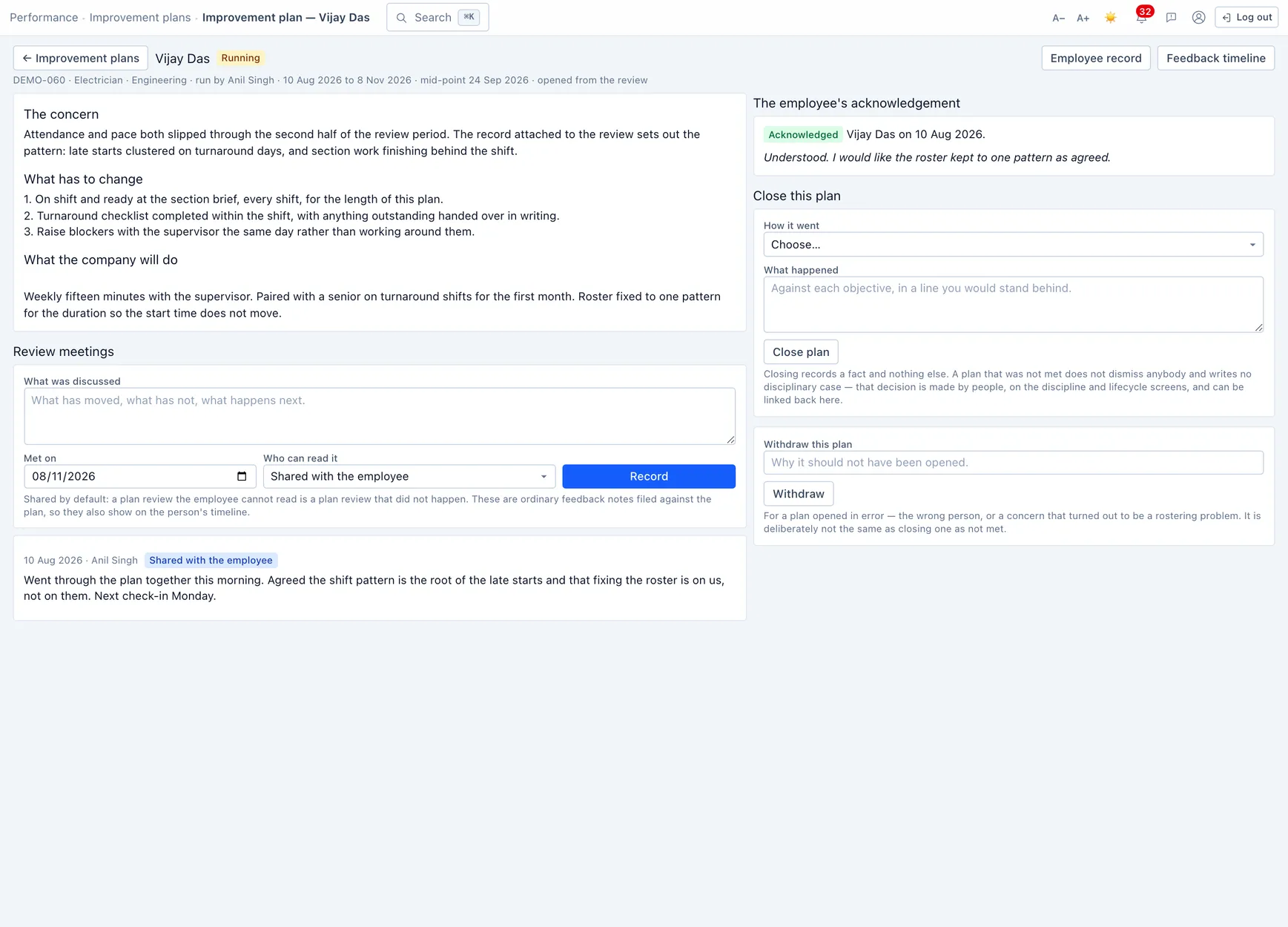
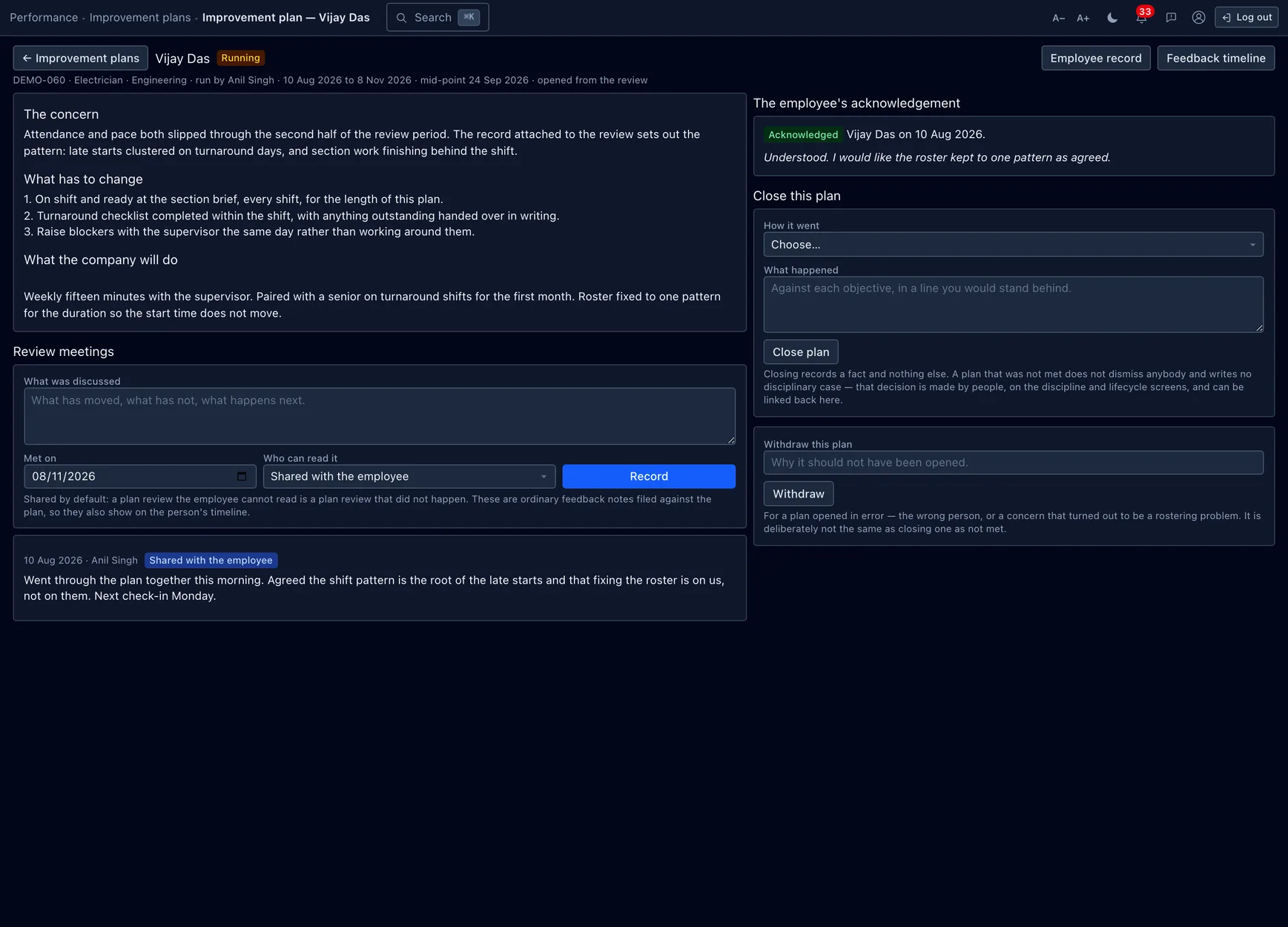
A performance improvement plan is the written, dated, agreed answer to a rating that was not good enough. It exists for two reasons, both bigger than the form. It is the fair step between a bad review and a dismissal — naming the objectives, the support the company will provide, and the date it will be judged on is the difference between managing someone out and giving them a chance to stay. And it is the defensible one: a plan opened off a finalized review, acknowledged by the employee, with dated review meetings against it, is the case an employer can stand behind.
The review meetings are ordinary feedback notes filed against the plan, so they also show on the person's timeline — a plan review the employee cannot read is a plan review that did not happen, so they are shared by default. A plan can be closed with an honest outcome (met / partially met / not met) or withdrawn if it should never have been opened — which is deliberately not the same as closing one as not met.
Performance analytics
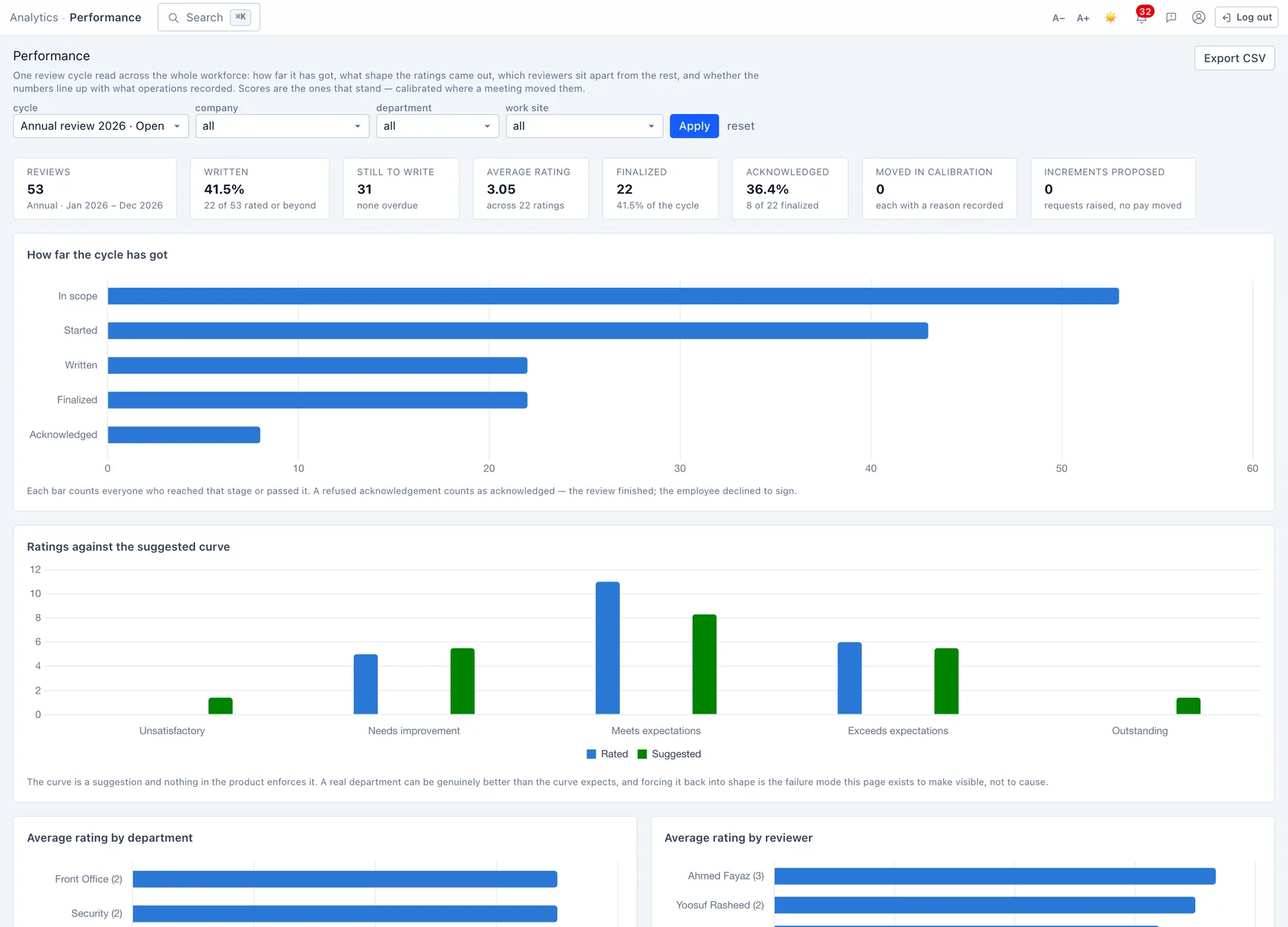
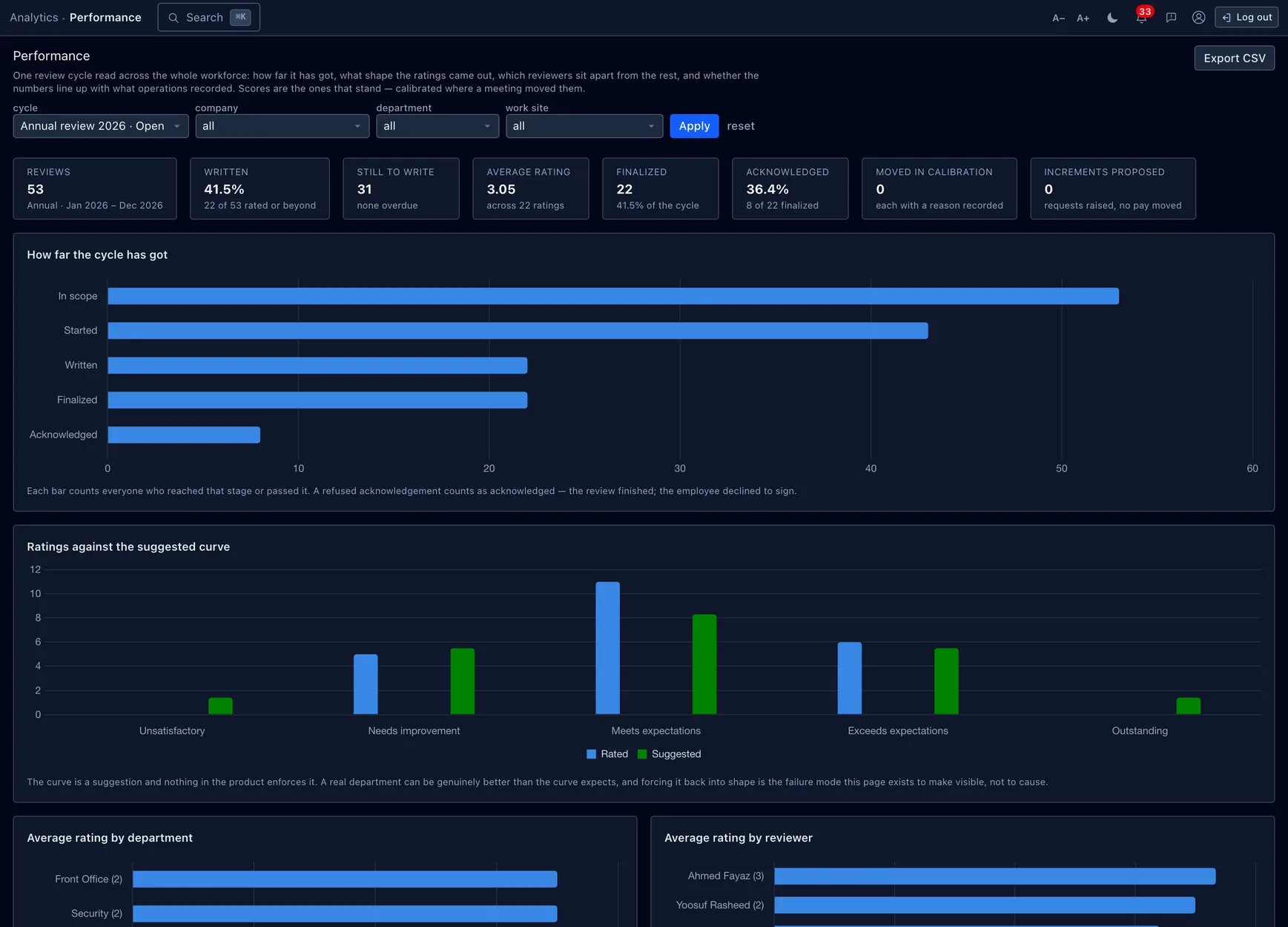
The analytics dashboard reads one cycle across the whole workforce: how far it has got (in scope → started → written → finalized → acknowledged), the rating shape against the suggested curve, average rating by department, and the same leniency read of each reviewer that calibration uses. Scores shown are the ones that stand — calibrated where a meeting moved them. Filter by company, department or work site, and export to CSV.
While a cycle is part-written, the shares describe the reviews that are in, not the workforce — the dashboard says so rather than letting you over-read a half-finished curve. As with calibration, the curve is a mirror, not a target.
Permissions & gotchas
- Performance · View — opens the register: cycles, goals, feedback and plans, and who is where. It does not reveal the numbers.
- Performance · Manage — run cycles, calibrate, write goals and plans.
- Sensitive · Performance — the second gate that turns masked cells into readable ones: scores, written comments, calibration notes and the like. With View but not this, a user sees that a review exists but not what it said — in the UI, in an export and over the API alike.
- Goal visibility gates the goal tree for colleagues (private → manager → department → company), not the register — anyone holding View plus Sensitive sees everything, the way HR can read a disciplinary case.
Worth remembering
- The whole module sits behind a feature switch — where it is off, none of these screens are there.
- Launching a cycle is one irreversible transaction; preview the scope first.
- A submitted response's evidence panel is frozen; calibration moves the score but keeps the manager's beside it.
- Goal progress is the check-ins, never a stored number; check-ins and feedback notes are append-only.
- Terminate outcomes and not-met plans change no status and write no case — those stay deliberate acts on the record.
- Finalizing a review never moves pay; a proposed increment still goes through increment approval.